
A web page editor that works like a document
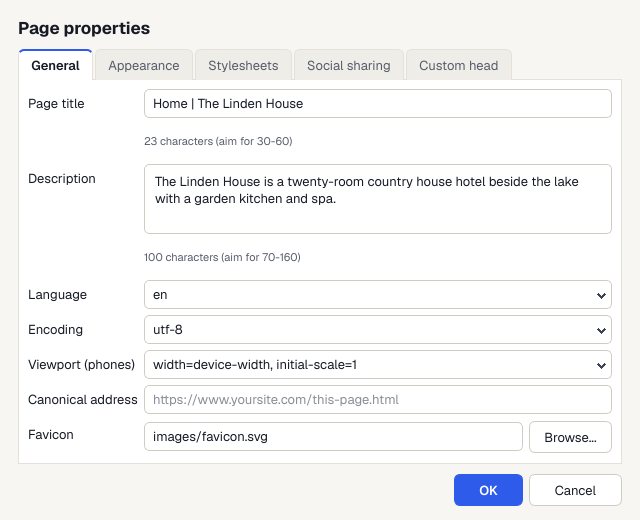
Open a page, click on the words and type. Apollo Editor's Insert menu adds pictures, links, buttons, tables, forms, audio and video, and Page Properties sets the title and description search engines show.
- Windows 10 & 11
- No coding needed
- One-time license
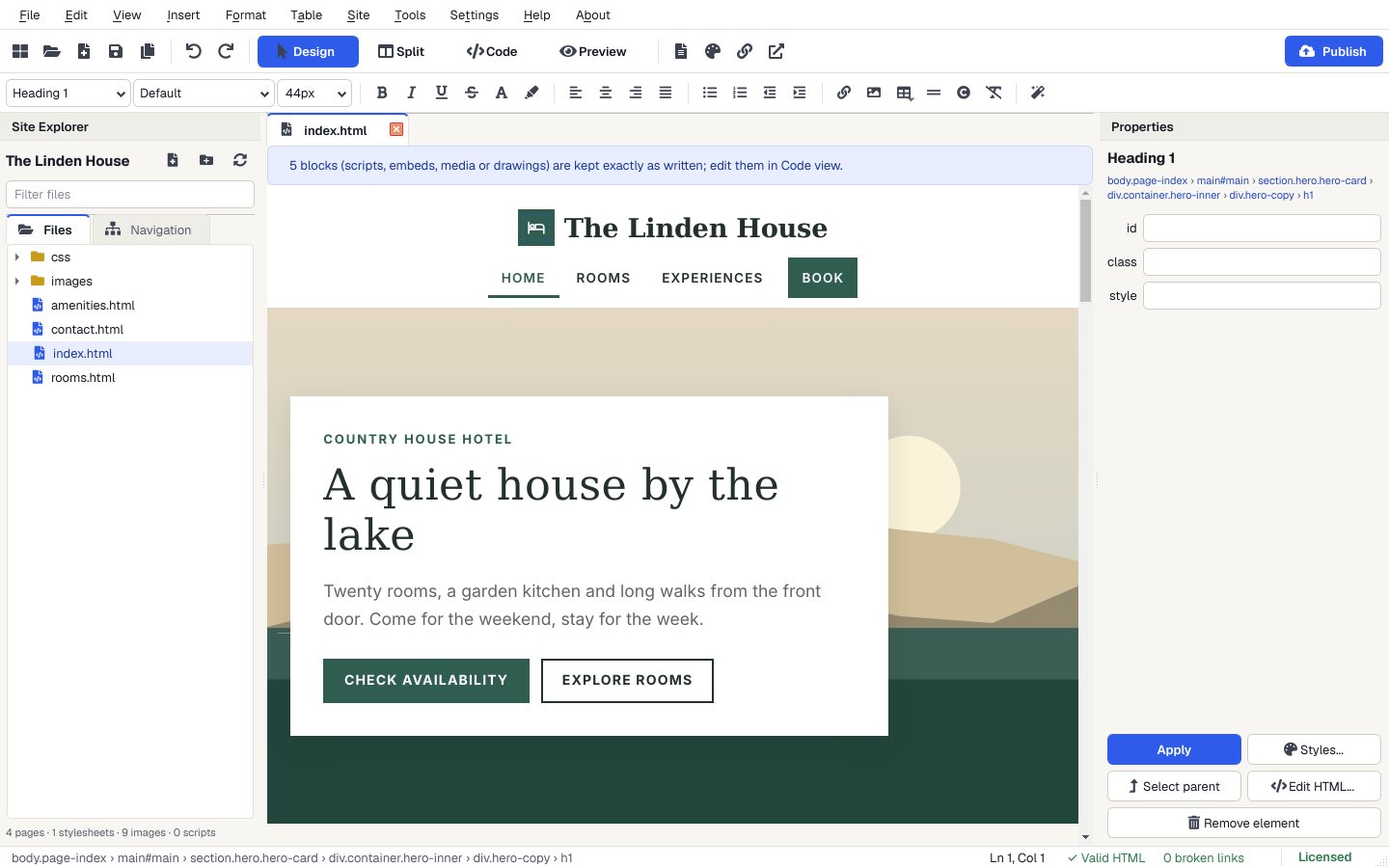
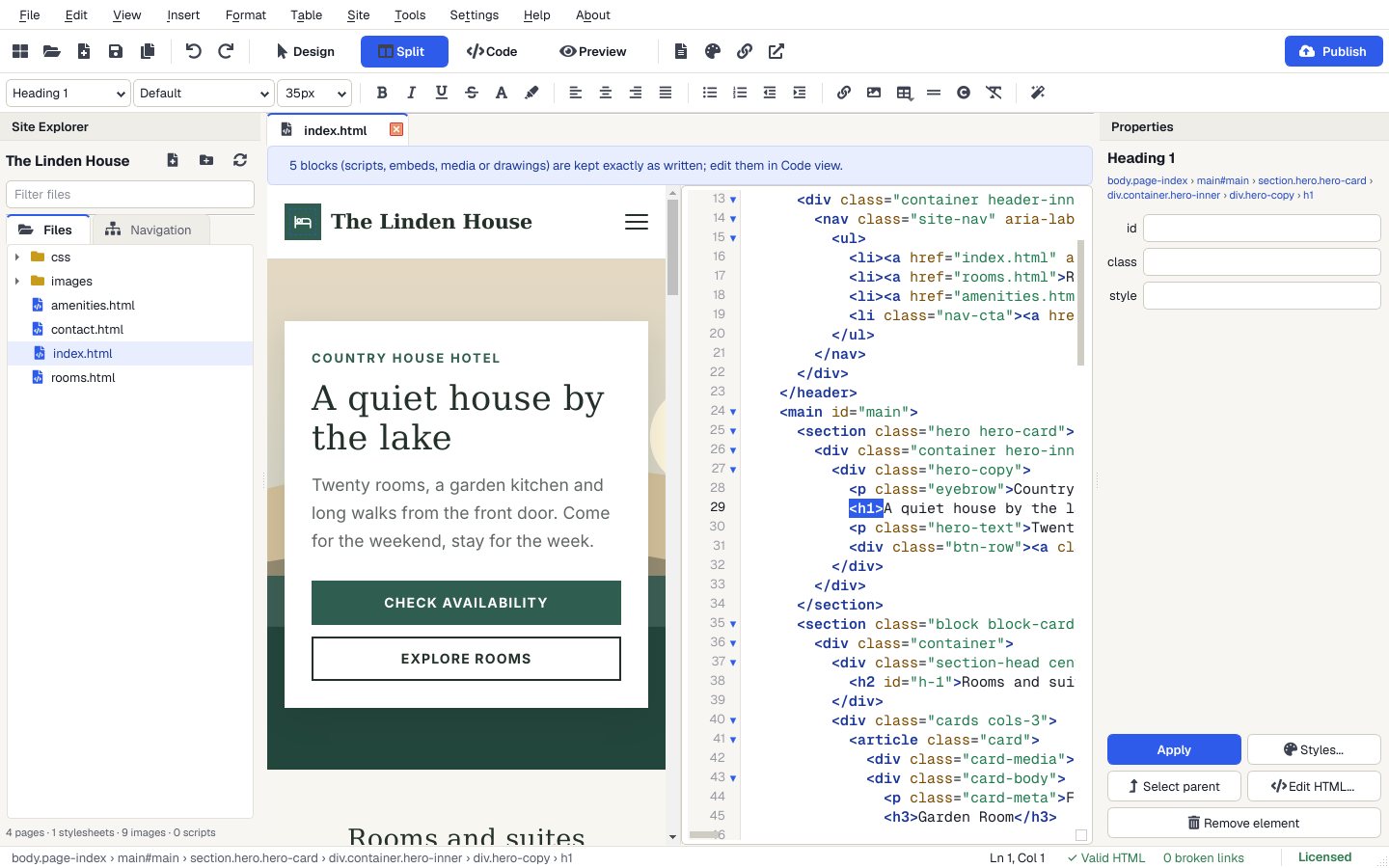
The page-editing windows
Real Apollo Editor windows.
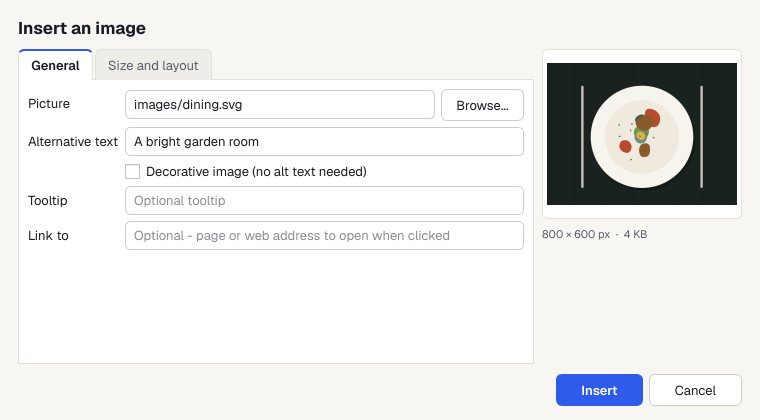
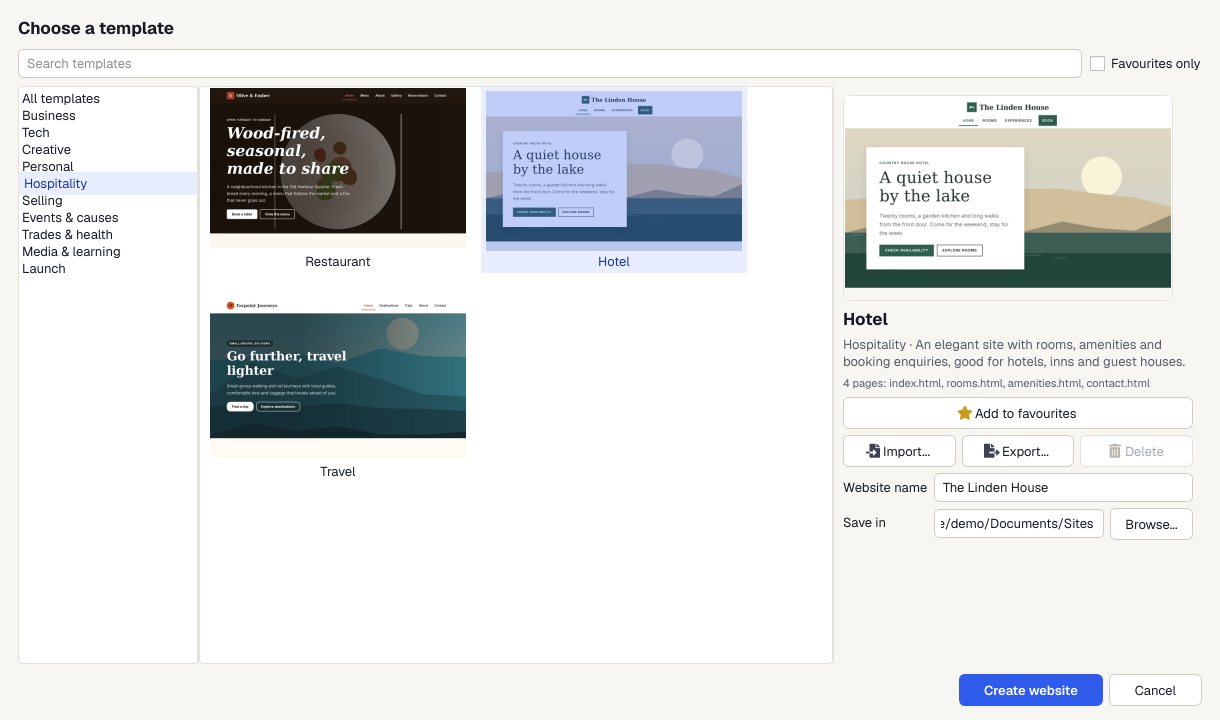
Open your site
Open a website folder, import a ZIP, or start from a template.
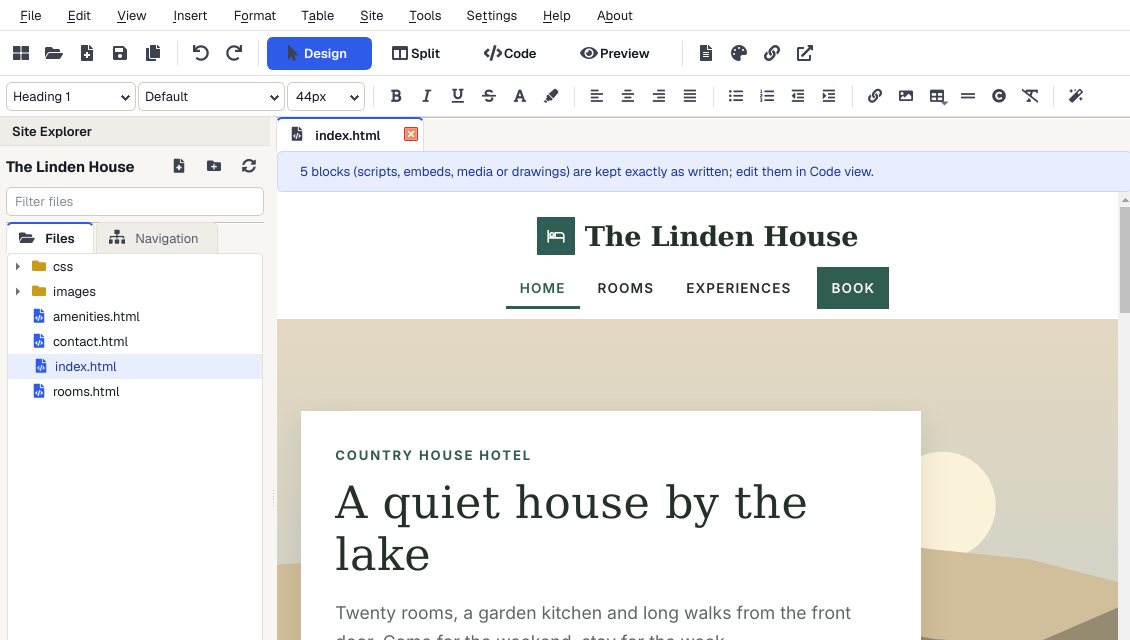
Click and type
Change words, headings and lists on the page.
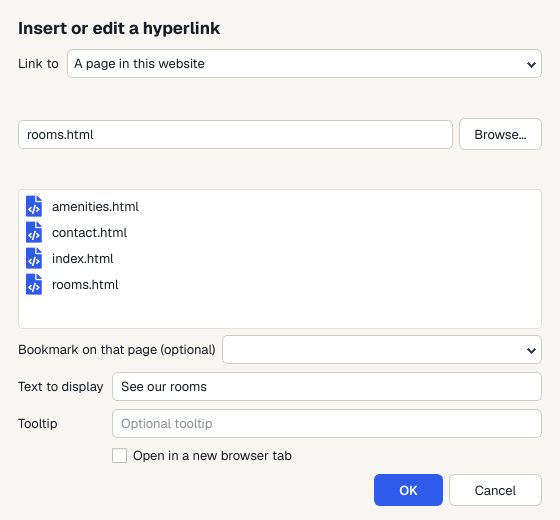
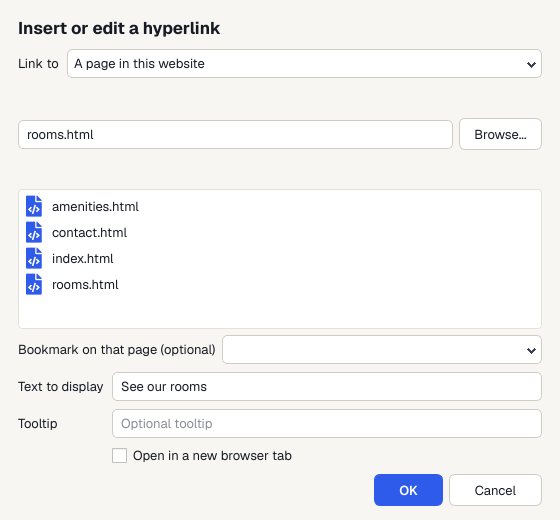
Add a link
Select the words and press Ctrl+K.
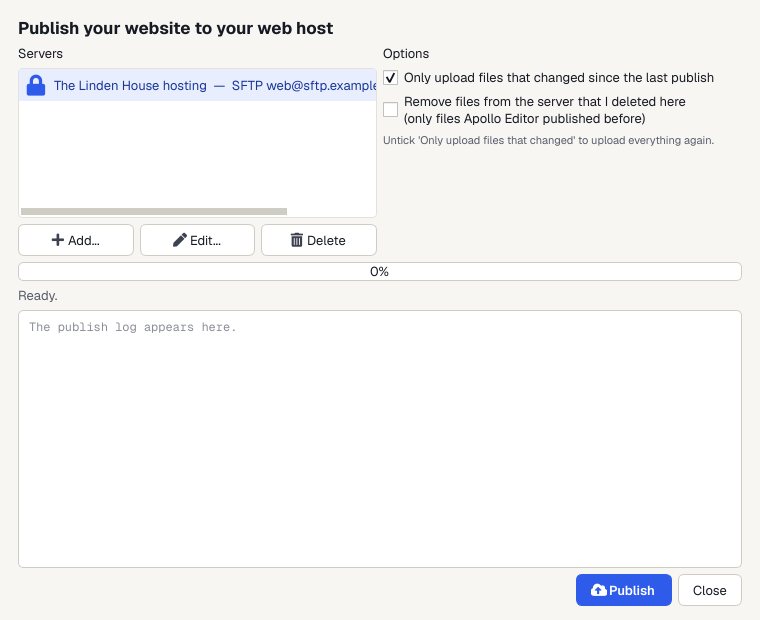
Publish
Upload to your web host by FTP, FTPS or SFTP. Next time, only the files you changed are sent.
Or see the code
Split view shows the HTML beside the page.
Why it's easy
Like a word processor
Formatting toolbar, familiar shortcuts and clean paste from documents.
Search basics
Page title and description with a character count, social sharing pictures and a canonical address.
Safe on any page
Scripts and embeds are kept exactly as written.
Built-in publishing
FTP, FTPS or SFTP to your own web host, only the changed files after the first time, or a folder or ZIP.
Who it's not for: pages generated by a content system on your server. Apollo Editor edits HTML files.
One license. Unlimited websites.

One-time payment · instant download
- WebsitesUnlimited
- Templates30 included
- PublishingFTP, FTPS, SFTP
- Works onWindows 10 & 11
- UpdatesFree
- Activations1 PC
Get Apollo Editor
It installs and runs without a key, so you can design, edit, preview and save your whole site first. Publishing it needs an activated Installation Key.
Buy now · $79.95Already purchased? Get your download link again
Do I need to know HTML?
No. In Design view you click on the page and type, and Apollo Editor writes the HTML. Split and Code views are there if you want to see or change the code.
Can I change the page title shown in Google?
Yes. File > Page Properties (Alt+Enter) sets the page title and description, with a character count for search results.
Can I edit a page that's already online?
Yes, once you have its files on your PC. Download them from your host, open the folder in Apollo Editor, edit, and publish only the changed files.
What if I make a mistake?
Ctrl+Z undoes it, and File > Previous Versions keeps the last 10 saved versions of every page.
Can I try it before I activate?
Yes. It installs and runs without a key, so you can design, edit, preview and save your whole site first. Publishing it needs an activated Installation Key.
More from Apollo Editor
Edit your pages like a document
Text, pictures, links and tables, then upload only what changed.
Get Apollo Editor · $79.95