
HTML editing software for visual and code editing
Apollo Editor is HTML editing software for Windows. Work visually in Design view, or in a proper code editor with highlighting, folding, autocomplete and validation. Manage a whole site of pages, then publish it by FTP or SFTP.
- Windows 10 & 11
- Visual and code
- One-time license
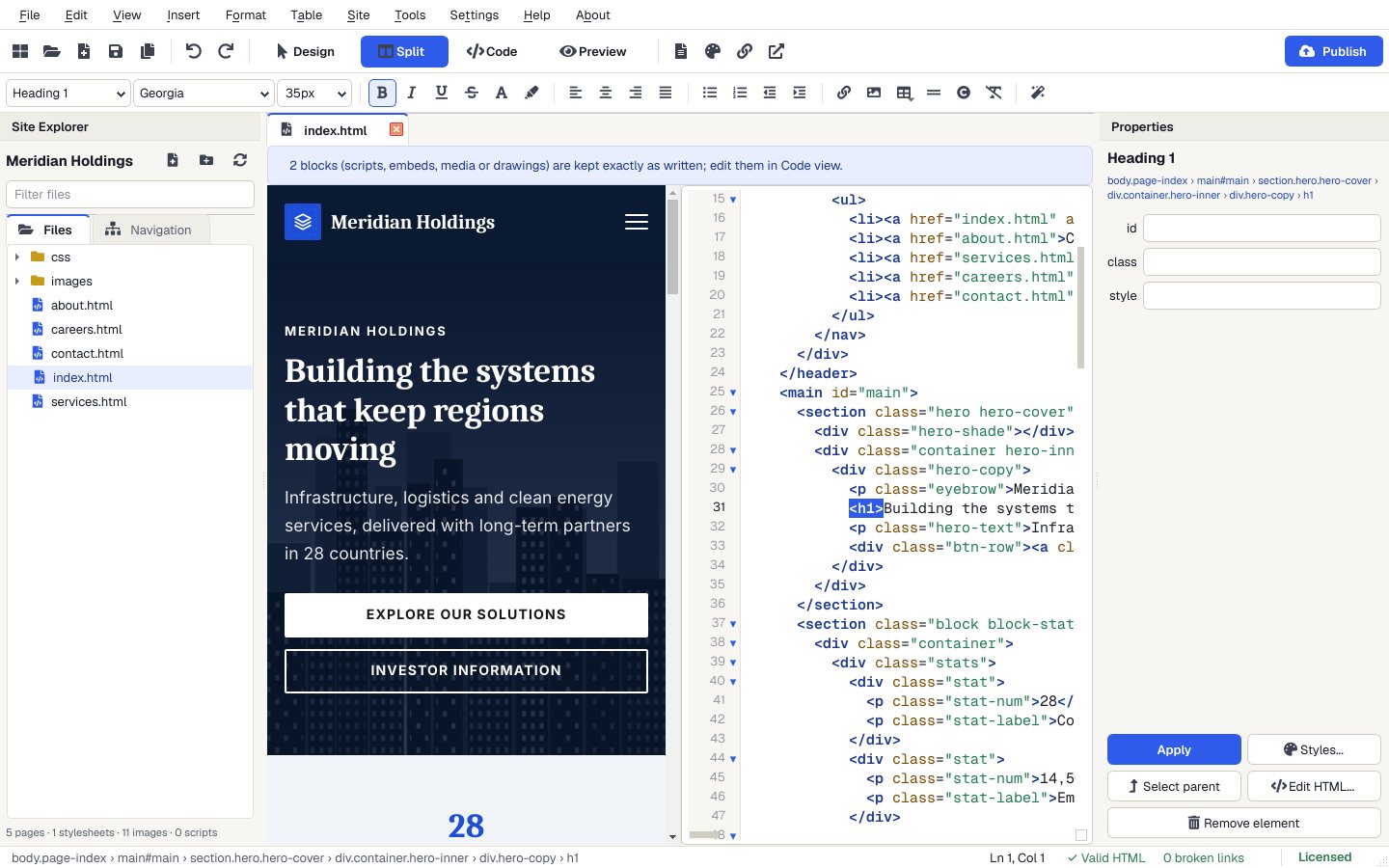
A proper code editor
Highlighting for HTML, CSS and JavaScript, line numbers, folding, matching tags and validation markers beside the lines.
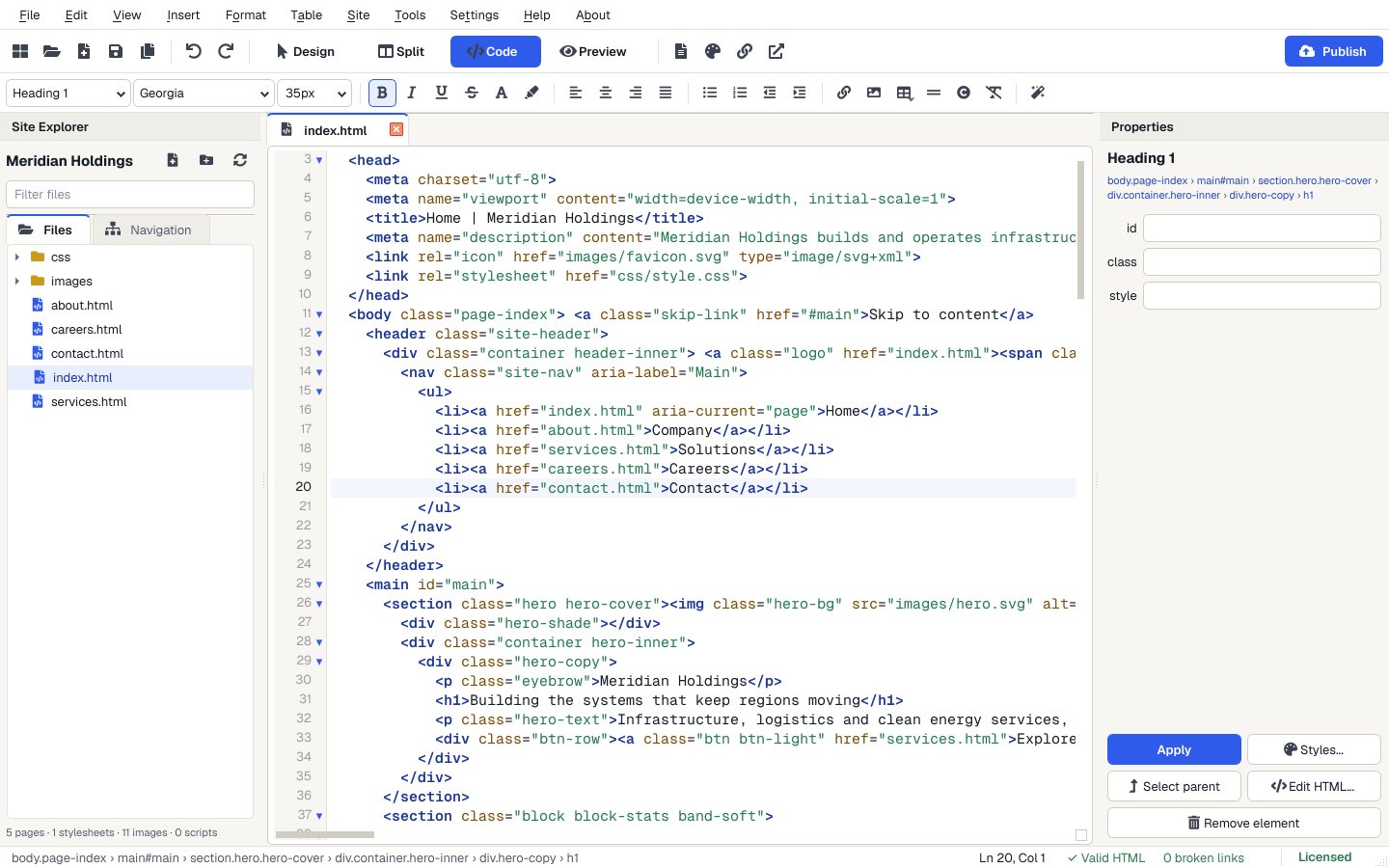
Code view features
From the User Guide.
- Highlighting
- HTML (including the CSS and JavaScript inside it), CSS and JavaScript, with line numbers.
- Autocomplete
- Suggestions for tags, attributes and CSS properties; closing tags are added for you.
- Navigation
- Fold blocks, Find (Ctrl+F), Replace (Ctrl+H) and Go to Line (Ctrl+G).
- Formatting
- Format > Format Code (Ctrl+Shift+B) tidies indentation, leaving pre, code, scripts and server code alone.
- Files
- Edit HTML, CSS and JavaScript files. Files keep their original encoding and line endings.
Open a site
Open a folder of HTML pages, import a website ZIP, or start from a template.
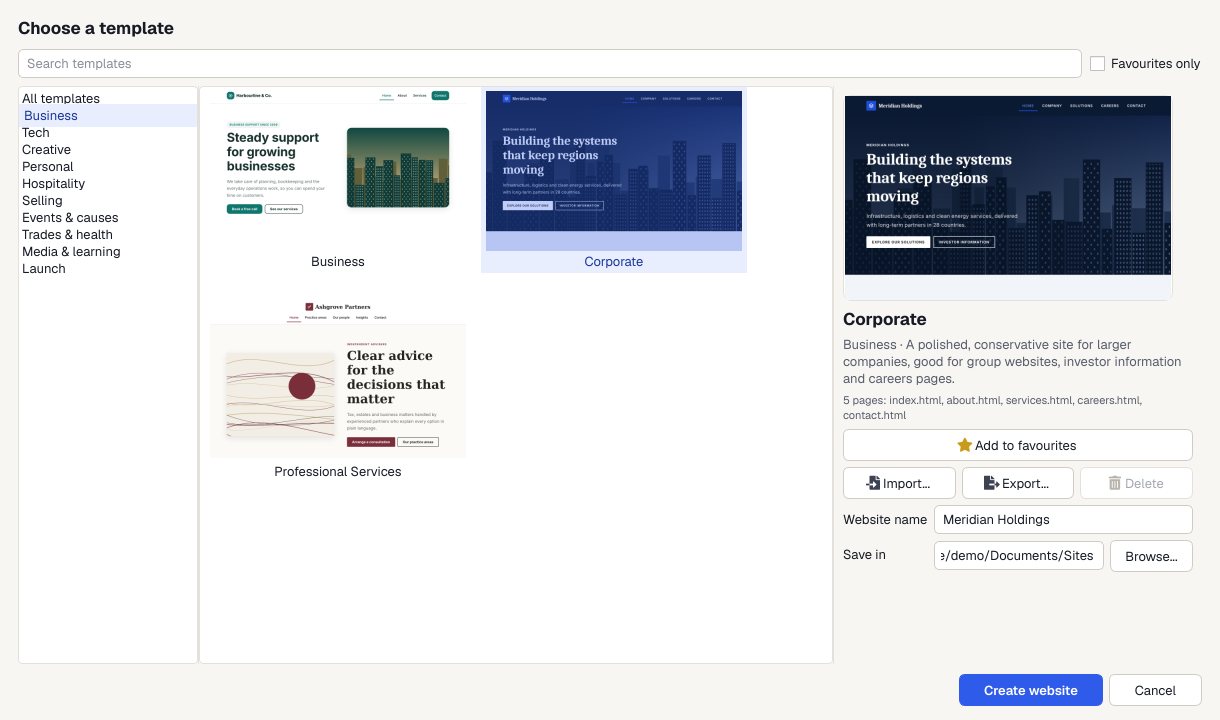
Edit visually or in code
Switch views with Ctrl+1 to 4.
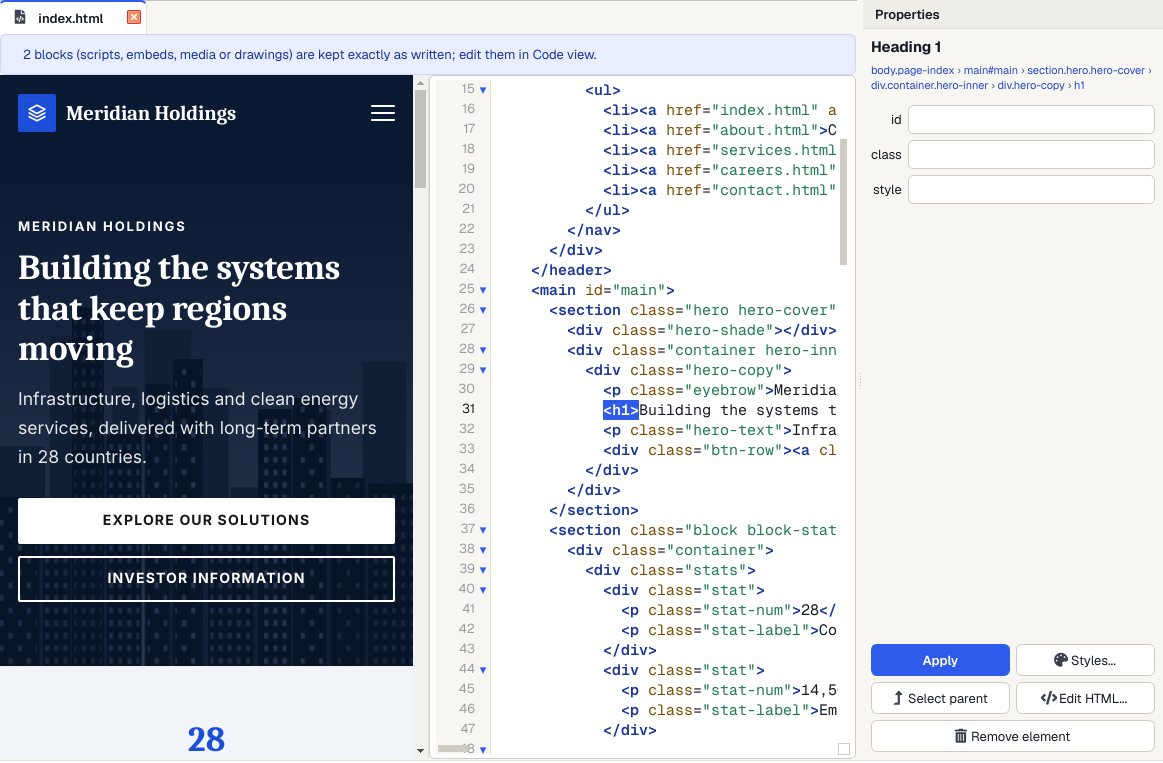
Check it on a phone
Preview shows every page at desktop, tablet and phone size, and links work so you can click through the whole site.

Publish
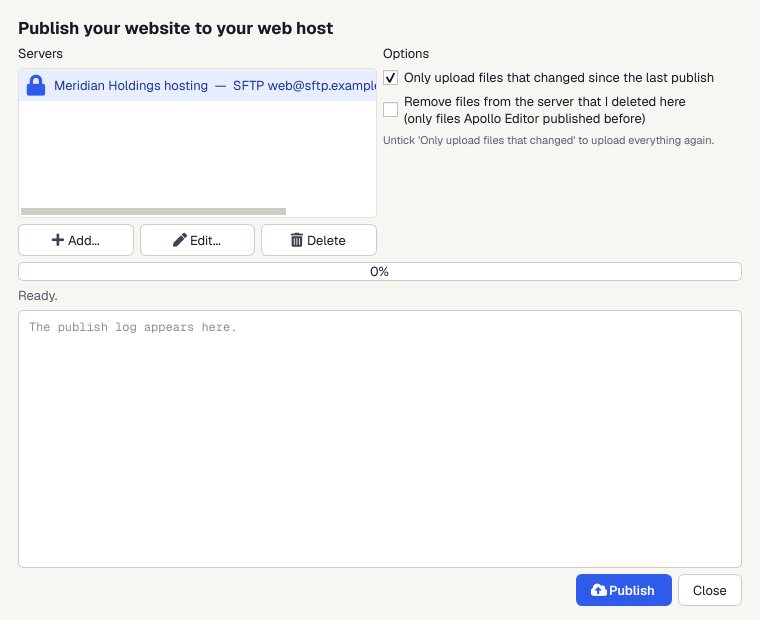
Upload to your web host by FTP, FTPS or SFTP. Next time, only the files you changed are sent.
Why it's more than a text editor
Code when you want it
Split and Code views show the HTML behind the page, with highlighting, autocomplete and validation.
Nothing breaks
Rename or move a page and Apollo Editor offers to fix every link to it. Site > Check Links finds the rest.
Site-wide find and replace
Search every page, stylesheet and script, with regular expressions and undo.
Built-in publishing
FTP, FTPS or SFTP to your own web host, only the changed files after the first time, or a folder or ZIP.
Who it's not for: programmers who need a general-purpose code editor for many languages. Apollo Editor is built for websites made of HTML, CSS, JavaScript and pictures.
One license. Unlimited websites.

One-time payment · instant download
- WebsitesUnlimited
- Templates30 included
- PublishingFTP, FTPS, SFTP
- Works onWindows 10 & 11
- UpdatesFree
- Activations1 PC
Get Apollo Editor
It installs and runs without a key, so you can design, edit, preview and save your whole site first. Publishing it needs an activated Installation Key.
Buy now · $79.95Already purchased? Get your download link again
Can I edit the HTML directly?
Yes. Code view (Ctrl+3) is a full code editor, and Split view (Ctrl+2) shows the page and code side by side.
Does it edit CSS and JavaScript files?
Yes. It highlights and edits HTML, CSS and JavaScript files, and Format > Edit Stylesheet opens the page's stylesheet.
Can it edit PHP pages?
In Code and Split view, yes. Pages with server code open read-only in Design view so nothing is changed by accident.
Does it check my HTML?
Tools > Validate Page (F6) checks the page's HTML and CSS, and problems are marked beside the line numbers in Code view.
Can I try it before I activate?
Yes. It installs and runs without a key, so you can design, edit, preview and save your whole site first. Publishing it needs an activated Installation Key.
More from Apollo Editor
HTML editing, visual or by hand
Design, Split, Code and Preview views in one Windows app.
Get Apollo Editor · $79.95