
Web design software that builds the real site
Apollo Editor is web design software that produces the finished website, not a picture of one. Design on the real page, set styles with the CSS Style Designer, check every screen size in Preview and publish the HTML and CSS to your host.
- Windows 10 & 11
- Responsive
- One-time license
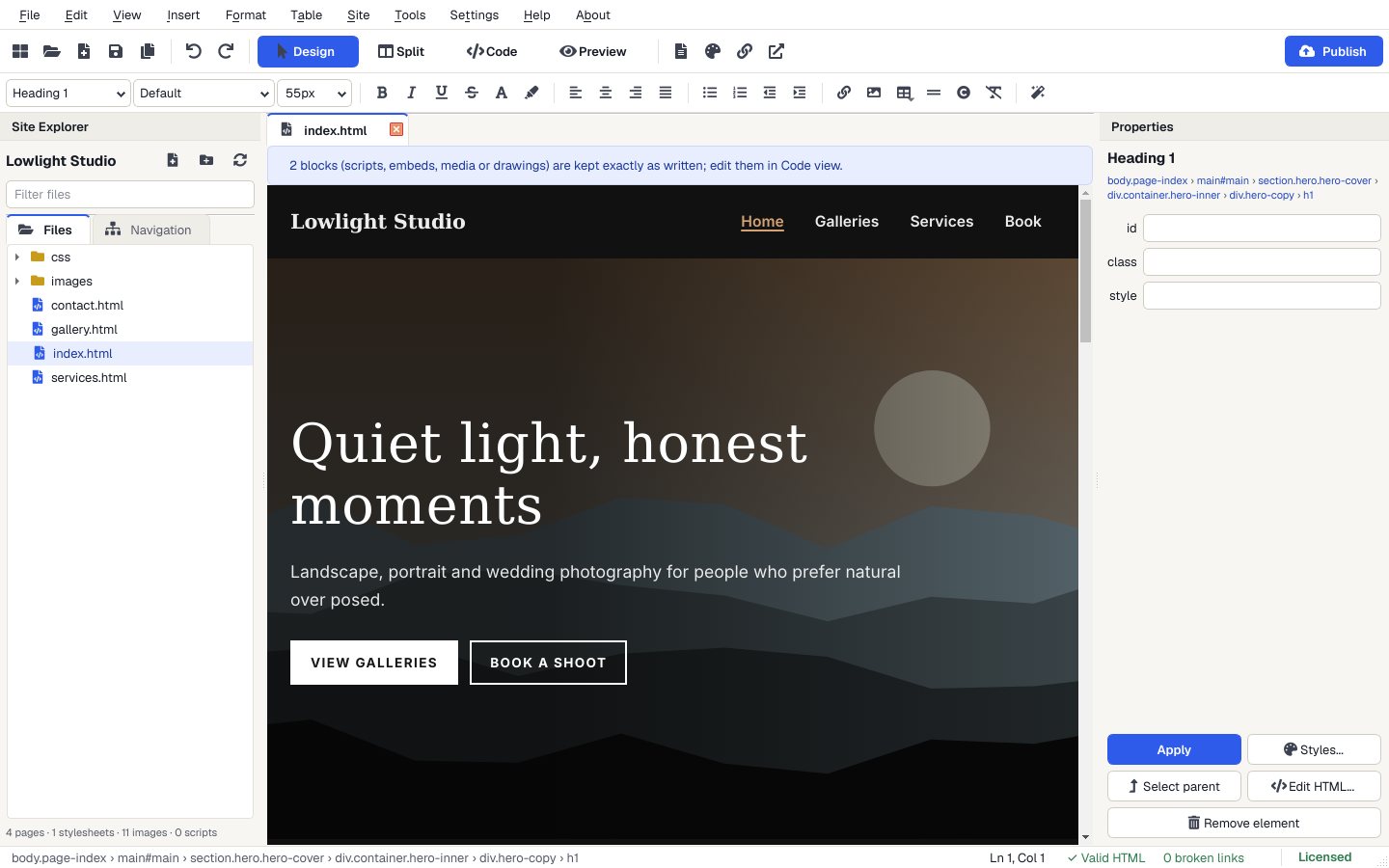
Design with CSS, visually
Fonts, colors, gradients, borders, corners, spacing, Flexbox, Grid, shadows and opacity, saved to your stylesheet.
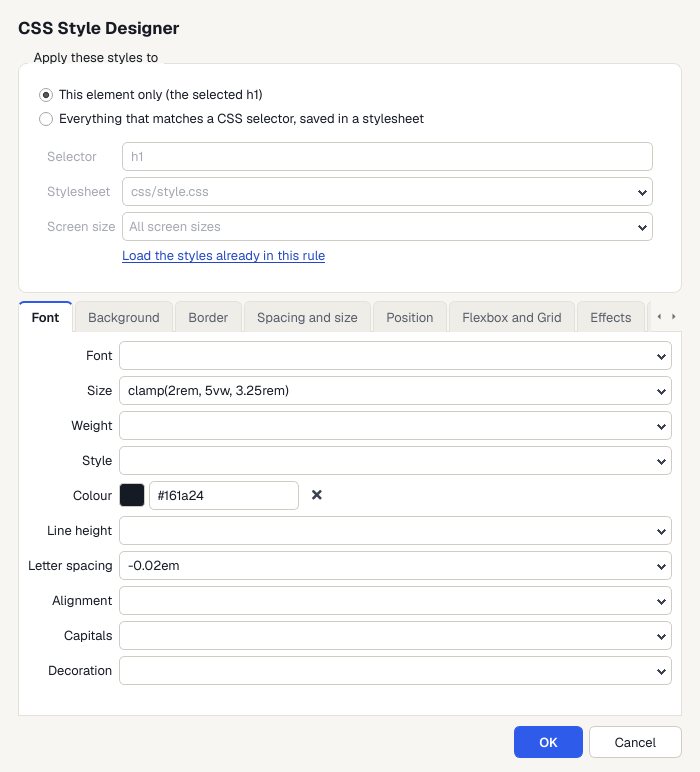
Pick a template
Choose File > New Website from Template and pick Photography, or any of the 30 designs.
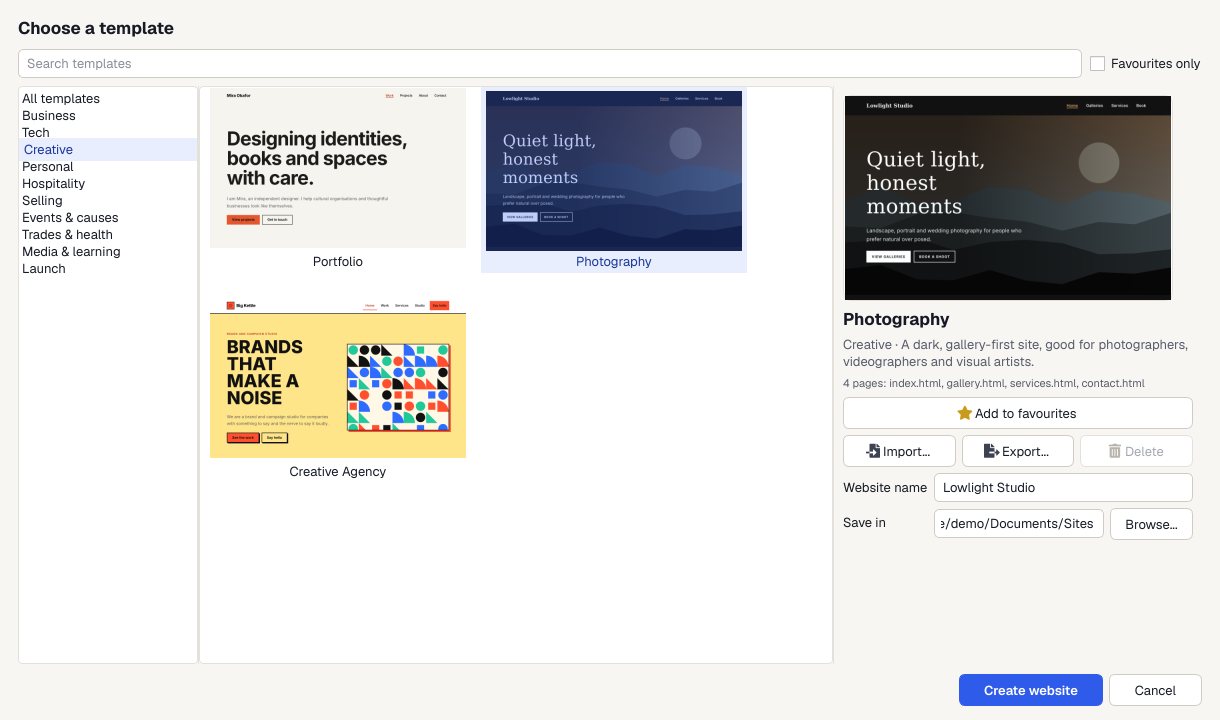
Make it yours
Click on the page and type. Swap in your own pictures, change colors and fonts, and drag in ready-made sections.
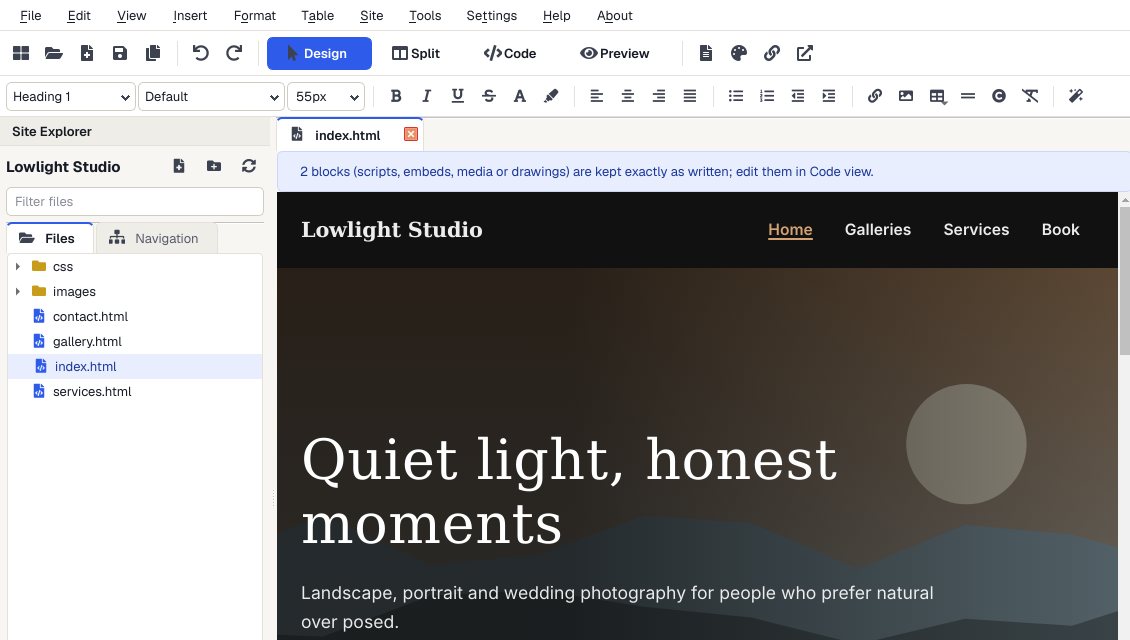
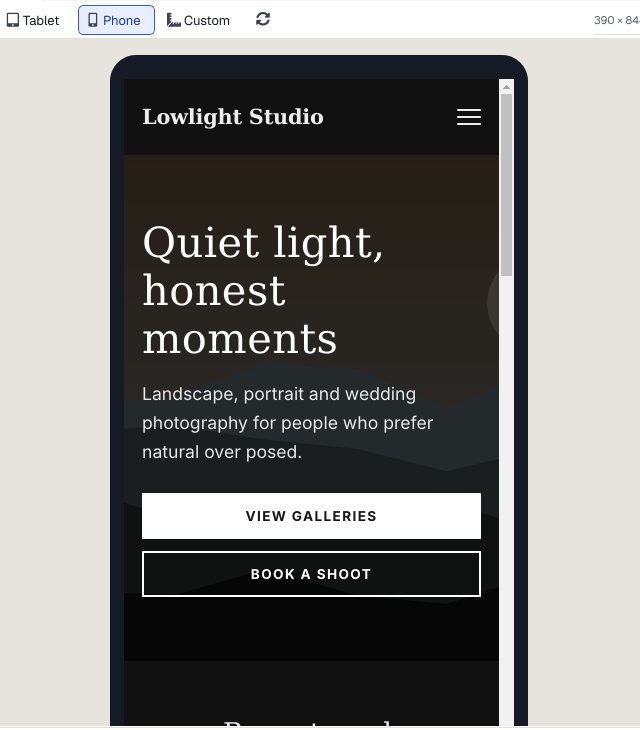
Check it on a phone
Preview shows every page at desktop, tablet and phone size, and links work so you can click through the whole site.
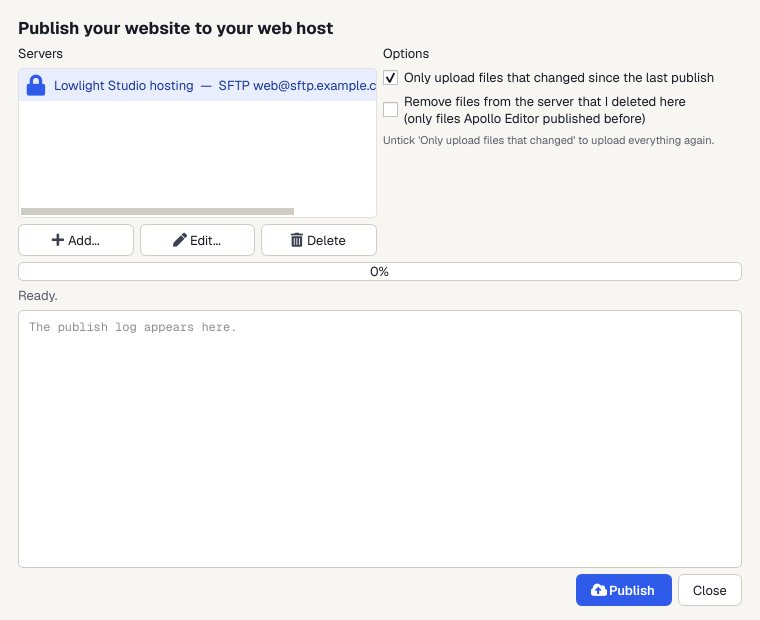
Publish
Upload to your web host by FTP, FTPS or SFTP. Next time, only the files you changed are sent.
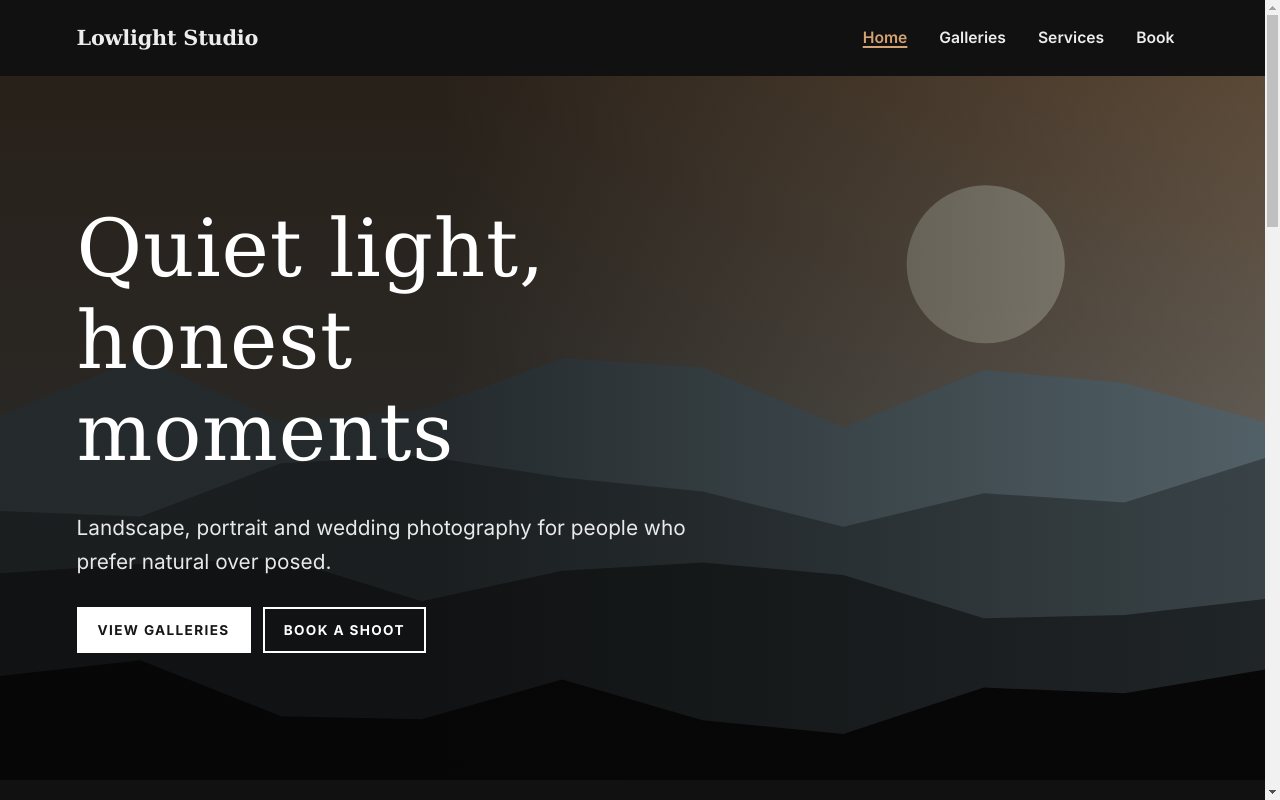
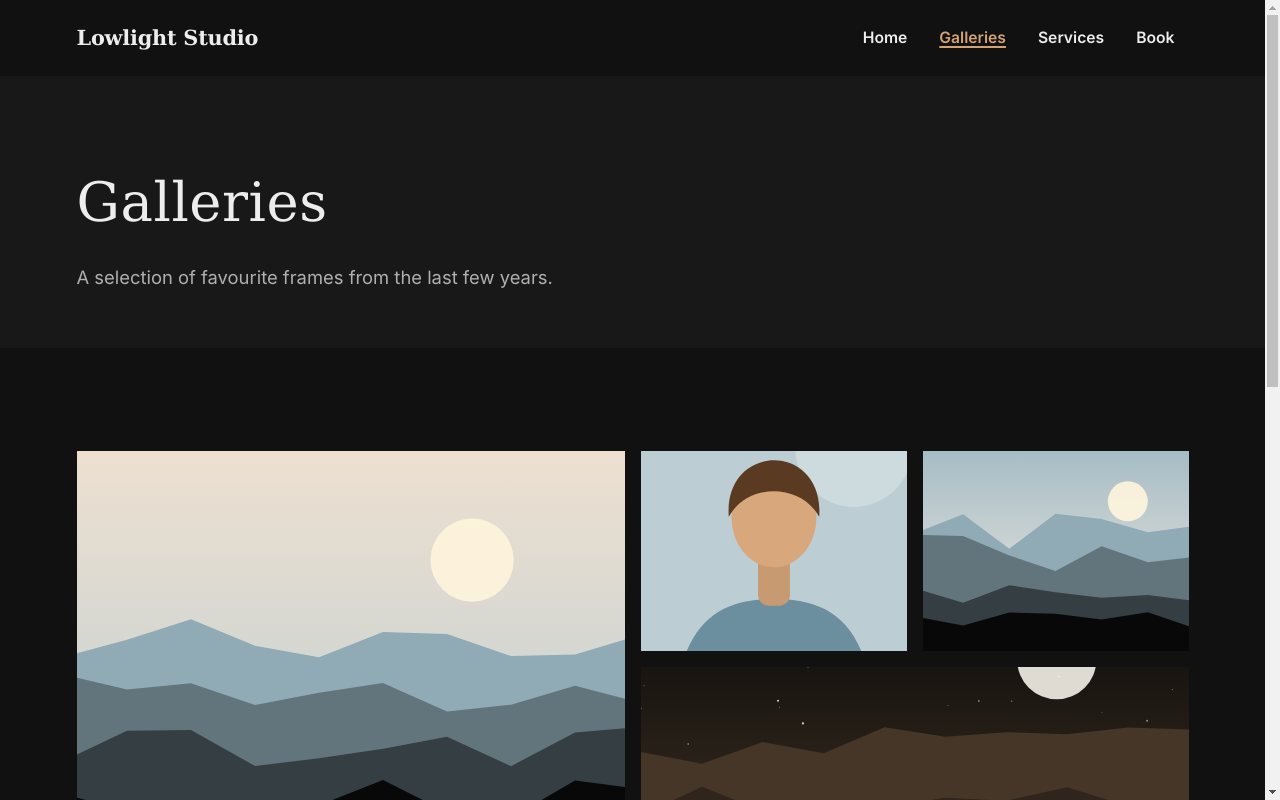
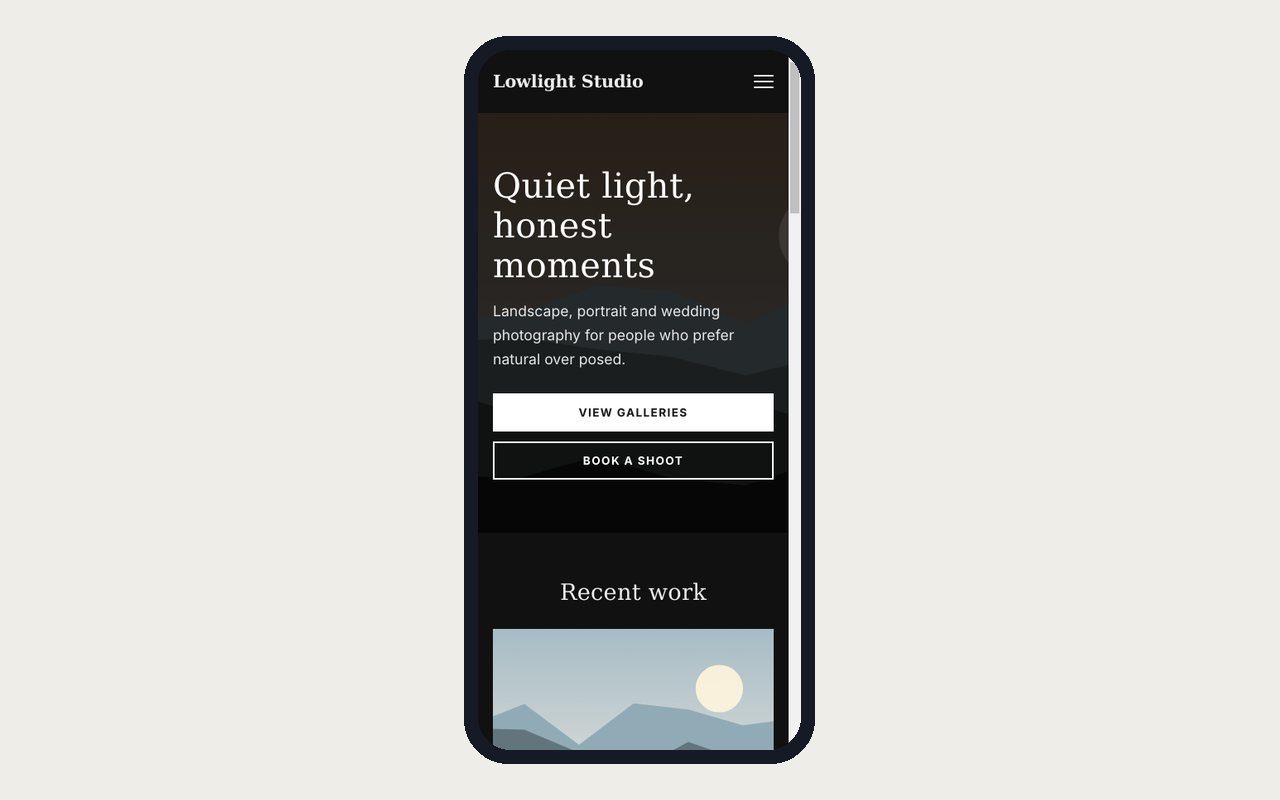
A finished design
The Photography template, exactly as Apollo Editor saves it.
Why designers use it
Responsive by default
Templates and sections reflow for phones; add styles for tablets and smaller or phones only in the CSS Style Designer.
Save your own templates
Tools > Save Page as Template, and share them as ZIP files.
Client-ready checks
Link checks, validation, spelling and a sitemap.xml before handover.
Pay once
One license, as many websites as you like, and no monthly bill for the editor.
Who it's not for: people who want a drawing or mock-up tool. Apollo Editor designs the working website itself.
One license. Unlimited websites.

One-time payment · instant download
- WebsitesUnlimited
- Templates30 included
- PublishingFTP, FTPS, SFTP
- Works onWindows 10 & 11
- UpdatesFree
- Activations1 PC
Get Apollo Editor
It installs and runs without a key, so you can design, edit, preview and save your whole site first. Publishing it needs an activated Installation Key.
Buy now · $79.95Already purchased? Get your download link again
Is it a design tool or a website builder?
Both: you design on the real page, and the result is the finished HTML and CSS website, ready to publish.
Can I design for phones?
Yes. Preview shows phone, tablet, desktop and custom sizes, and the CSS Style Designer can add styles for tablets and smaller (up to 1024 px) or phones only (up to 600 px).
Can I make my own templates?
Yes. Tools > Save Page as Template saves a page with its stylesheets and pictures, and the Template Library imports and exports templates as ZIP files.
Can I build more than one website?
Yes. One license covers as many websites as you like, for yourself, your business or your clients.
More from Apollo Editor
Design it. Publish it.
Web design software that produces the real, responsive website.
Get Apollo Editor · $79.95