
A visual HTML editor made for Windows 11
Apollo Editor is a 64-bit Windows desktop app. Edit pages visually or in code, drag pictures in from File Explorer, keep server passwords in Windows Credential Manager and preview pages in your own browser with F12.
- Windows 10 & 11
- 64-bit
- One-time license
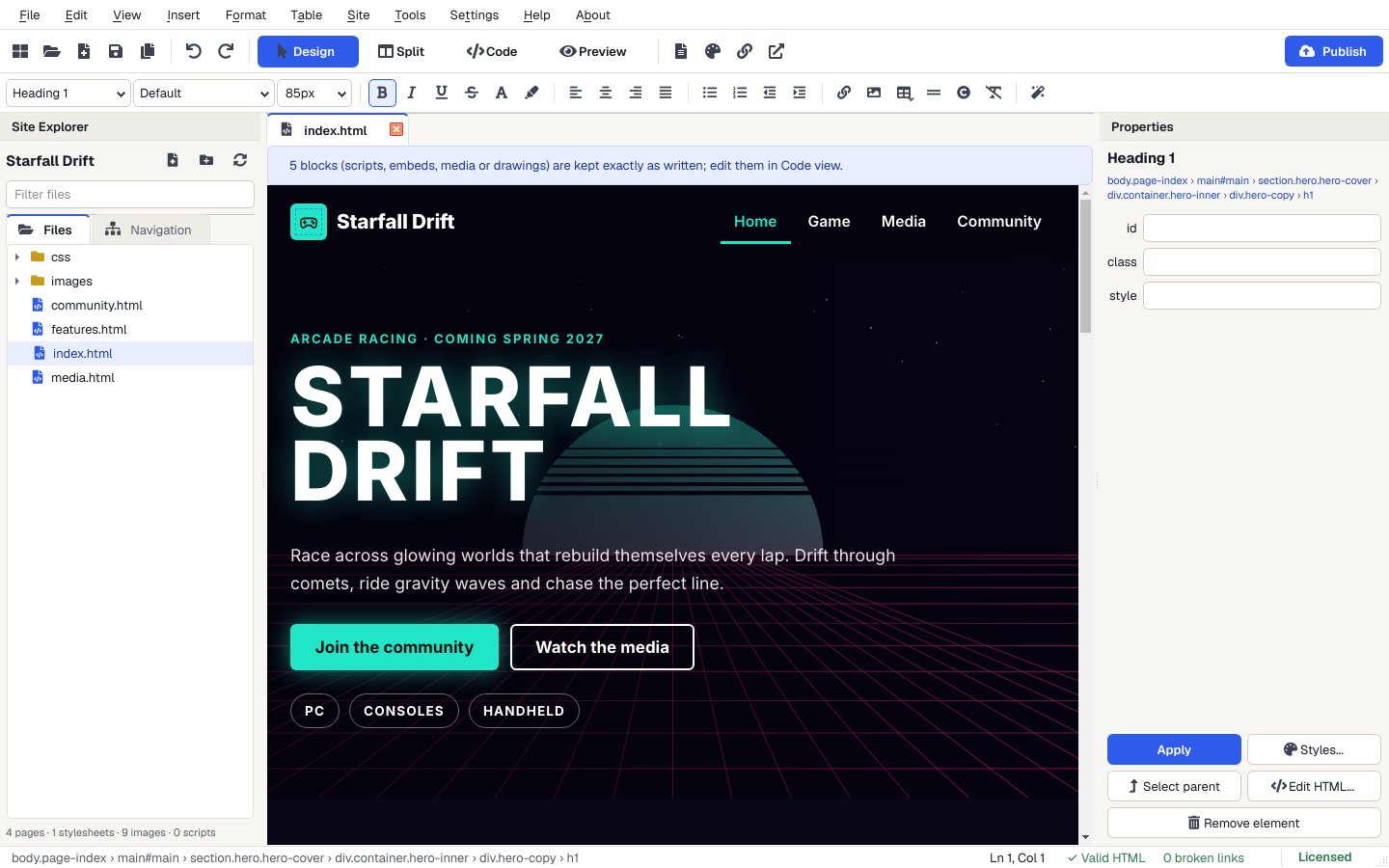
Four views, one window
Design, Split, Code and Preview (Ctrl+1 to 4). Code view has highlighting, folding, autocomplete and validation markers.
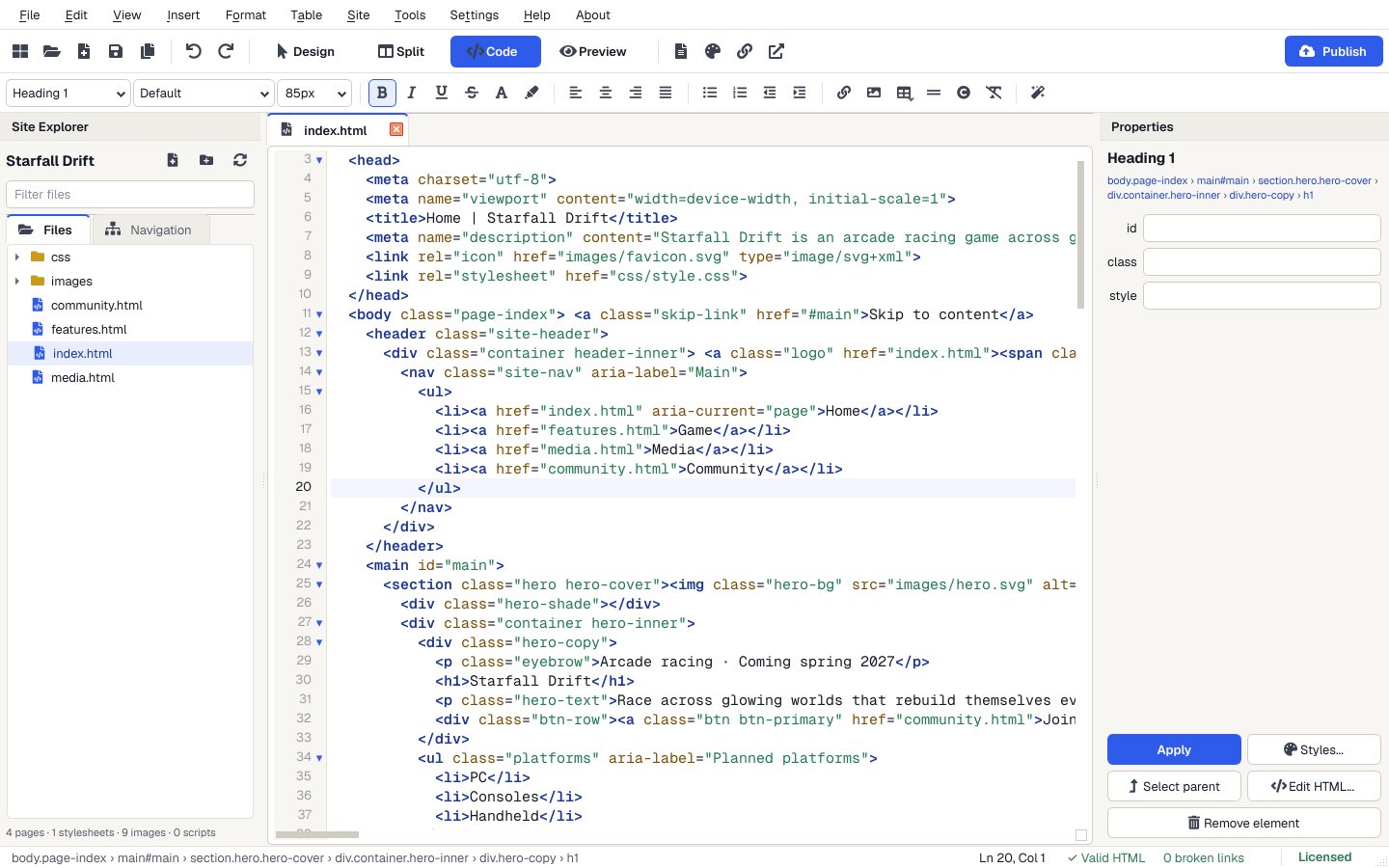
Made for Windows
From the User Guide.
- System
- Windows 10 or Windows 11, 64-bit.
- File Explorer
- Drag pictures from Windows onto the page; files from outside your site are copied into its images folder.
- Recycle Bin
- Deleting a file in the Site Explorer sends it to the Windows Recycle Bin, with a warning if other pages link to it.
- Passwords
- Server passwords are kept in Windows Credential Manager, never in a plain text file.
- Your browser
- File > Preview in Browser (F12) opens the page in your own web browser.
Install and open
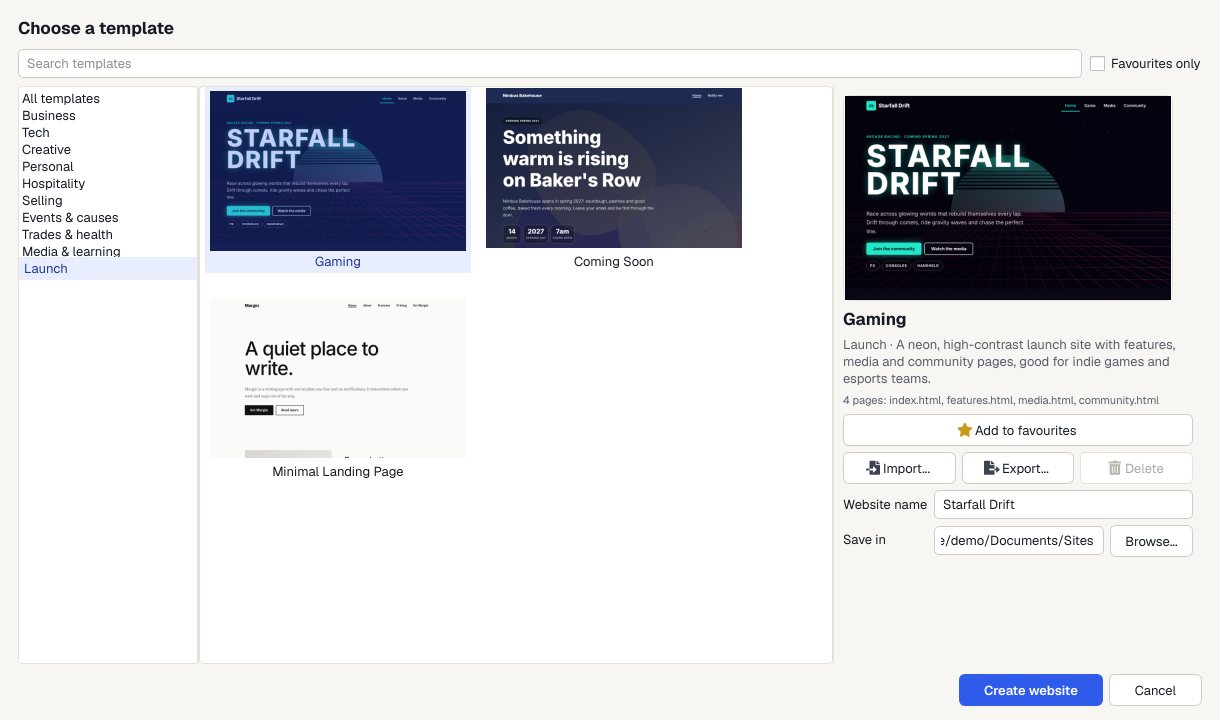
Run the installer. The Welcome screen offers a template, a blank site, an existing folder or a website ZIP.
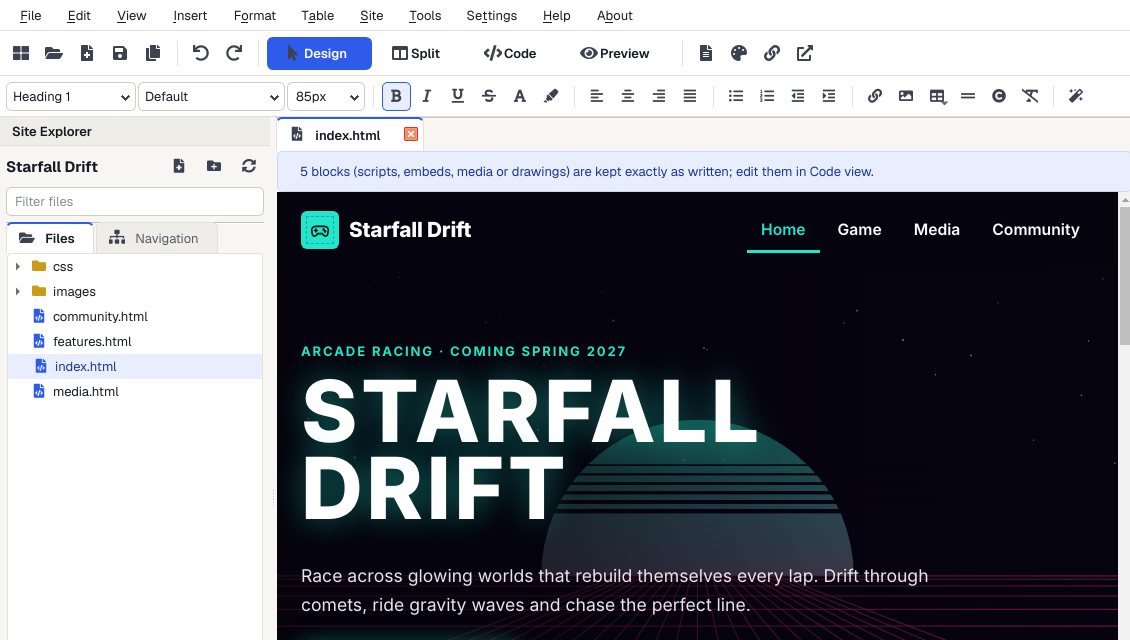
Edit visually
Click on the page and type, or switch to Split view to see the code.
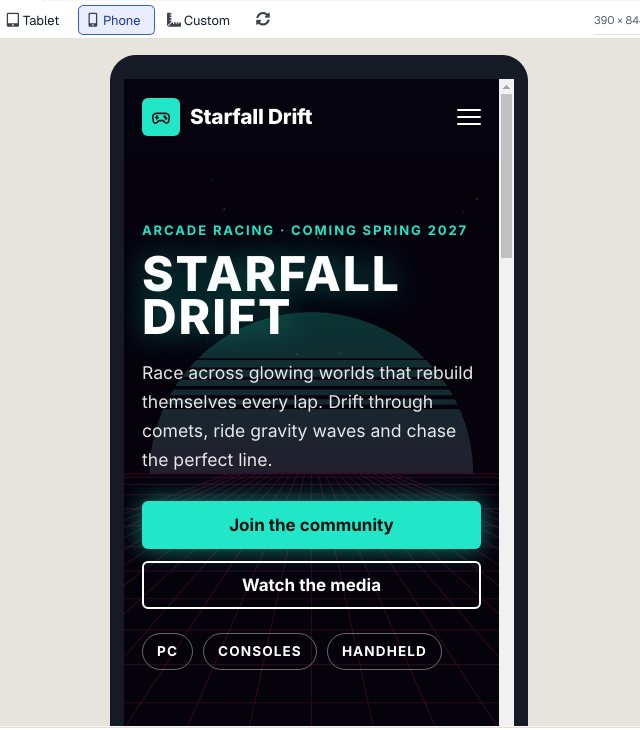
Check it on a phone
Preview shows every page at desktop, tablet and phone size, and links work so you can click through the whole site.
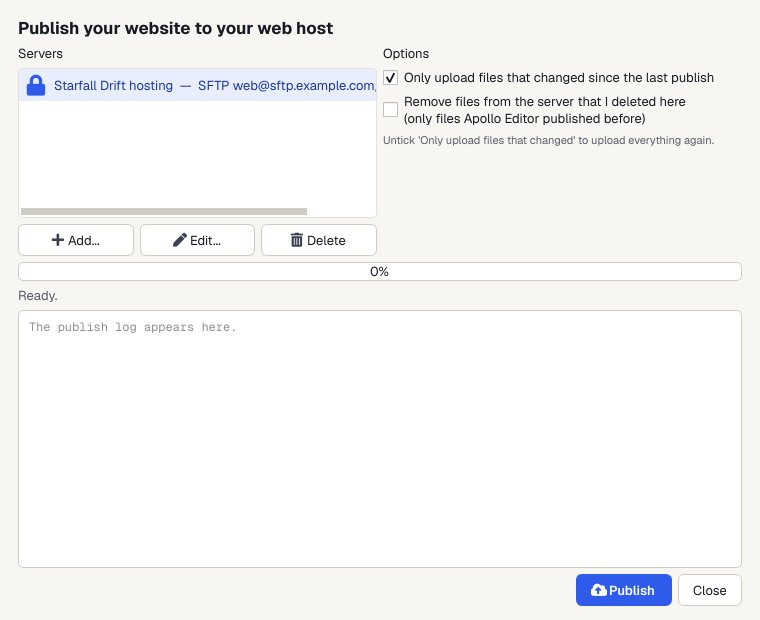
Publish
Upload to your web host by FTP, FTPS or SFTP. Next time, only the files you changed are sent.
Why a Windows app
Works offline
It's a desktop app. Build and preview your whole site with no internet connection.
Code when you want it
Split and Code views show the HTML behind the page, with highlighting, autocomplete and validation.
Keyboard shortcuts
Ctrl+1 to 4 for the views, Ctrl+K for links, Ctrl+Shift+P to publish, F6 to validate, F7 for spelling.
Pay once
One license, as many websites as you like, and no monthly bill for the editor.
Who it's not for: Mac, Linux or Chromebook users. Apollo Editor runs on Windows 10 and 11 only.
One license. Unlimited websites.

One-time payment · instant download
- WebsitesUnlimited
- Templates30 included
- PublishingFTP, FTPS, SFTP
- Works onWindows 10 & 11
- UpdatesFree
- Activations1 PC
Get Apollo Editor
It installs and runs without a key, so you can design, edit, preview and save your whole site first. Publishing it needs an activated Installation Key.
Buy now · $79.95Already purchased? Get your download link again
Does it run on Windows 11?
Yes. It runs on Windows 11 and Windows 10, 64-bit.
Does it run on a Mac?
No. Apollo Editor is a Windows app. The websites it makes work on every device, including Macs and phones.
Windows says it protected my PC. Is that normal?
It can appear for software from smaller publishers. Click More info, then Run anyway.
Where are my settings stored?
In %APPDATA%\Easier Software LTD\Apollo Editor. Your websites stay wherever you saved them, and server passwords are in Windows Credential Manager.
Can I preview in my own browser?
Yes. Preview view shows the page inside Apollo Editor, and File > Preview in Browser (F12) opens it in your own browser.
More from Apollo Editor
Visual HTML editing, the Windows way
Design, Split, Code and Preview views in one native Windows app.
Get Apollo Editor · $79.95