
Edit the website you already have
Apollo Editor opens any folder of HTML pages, or a website ZIP downloaded from your host, and lets you edit it visually. There's no import step and nothing is converted: it works directly on your files and keeps code it doesn't recognize.
- Windows 10 & 11
- Keeps your code
- One-time license
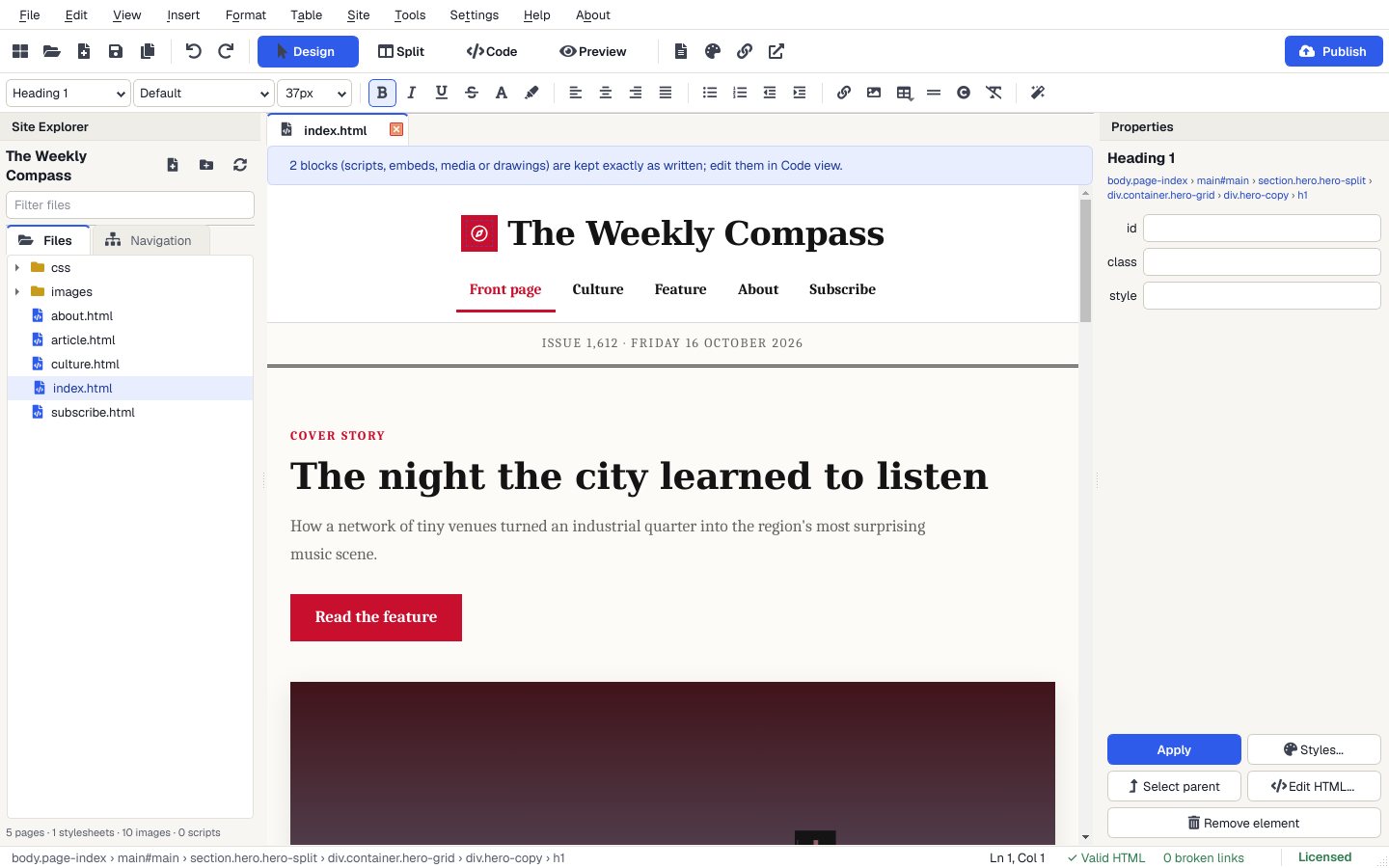
How Apollo Editor treats your existing code
From the User Guide.
- Open
- File > Open Website Folder edits a site already on your PC. File > Import Website ZIP unpacks a backup from your host and opens it.
- Protected blocks
- Scripts, embedded maps and videos, media and drawings are kept exactly as written. Edit them in Code view.
- Server code
- Pages with PHP or content built by JavaScript open read-only in Design view, so nothing is changed by accident. Edit them in Code or Split view.
- Encoding
- Files keep their original encoding and line endings when you save.
- Safety net
- The last 10 saved versions of every page are kept, and File > Previous Versions shows exactly what changed.
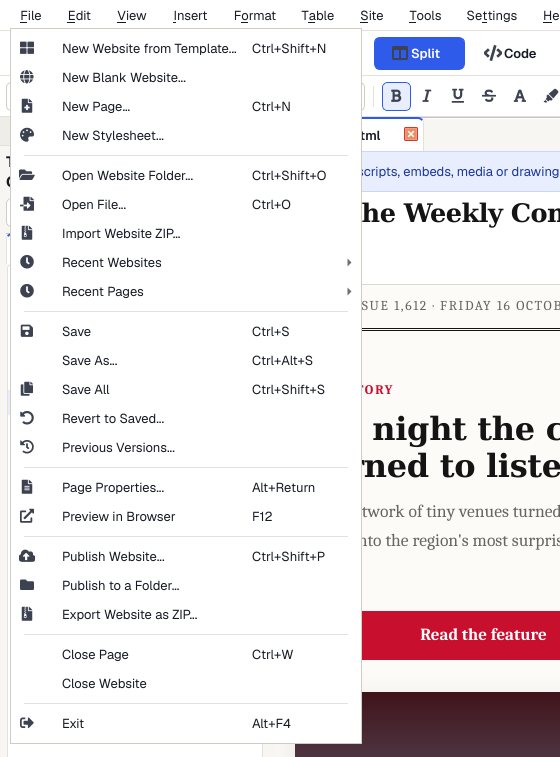
Open your site
File > Open Website Folder, or File > Import Website ZIP if you downloaded a backup from your host.
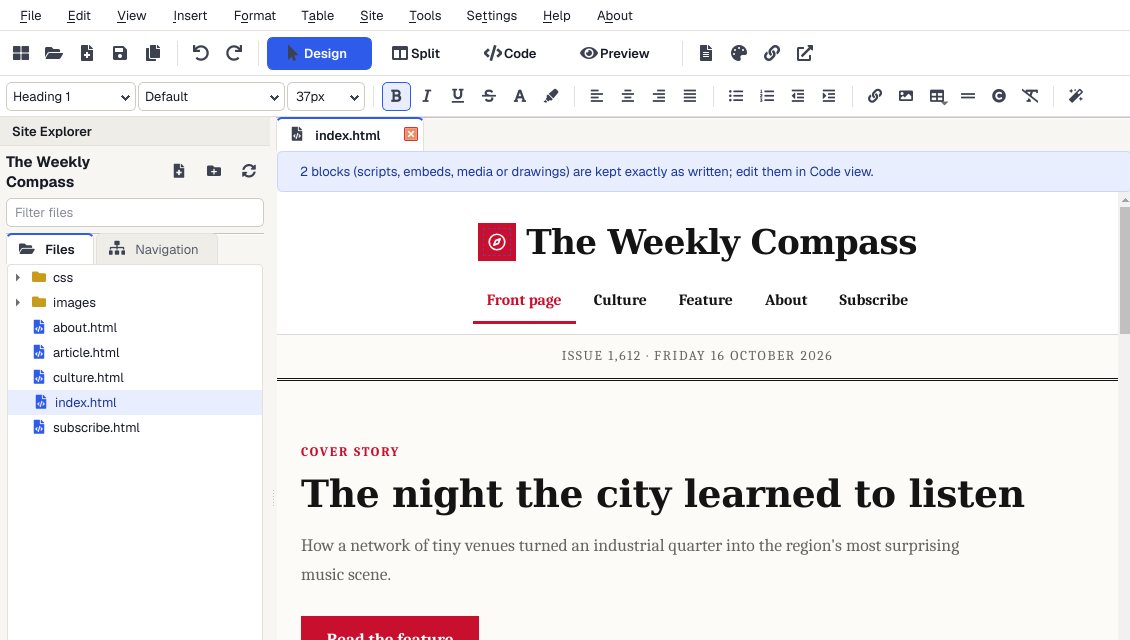
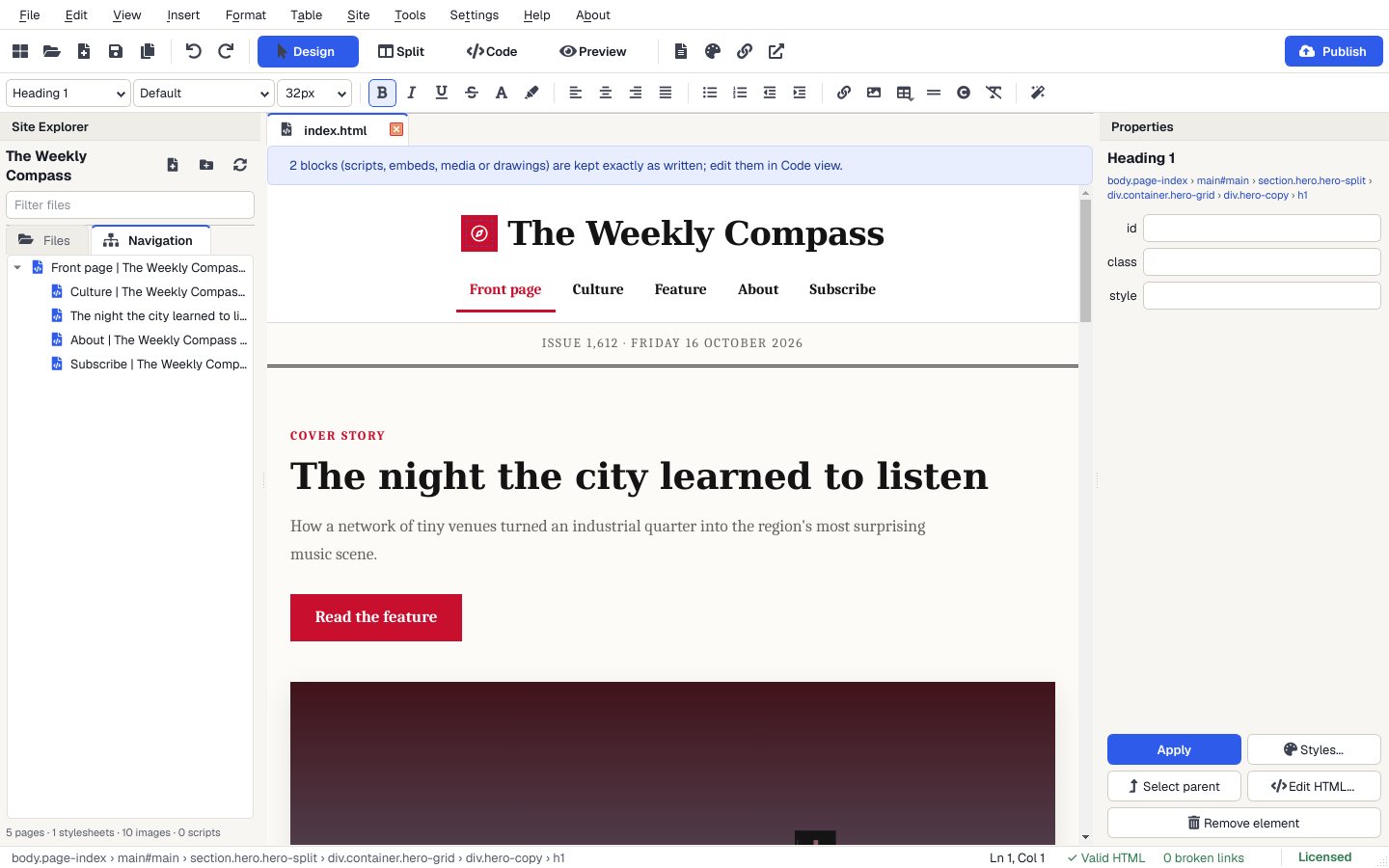
Edit visually
Click on any page and type. Change pictures, links and tables without touching the code.
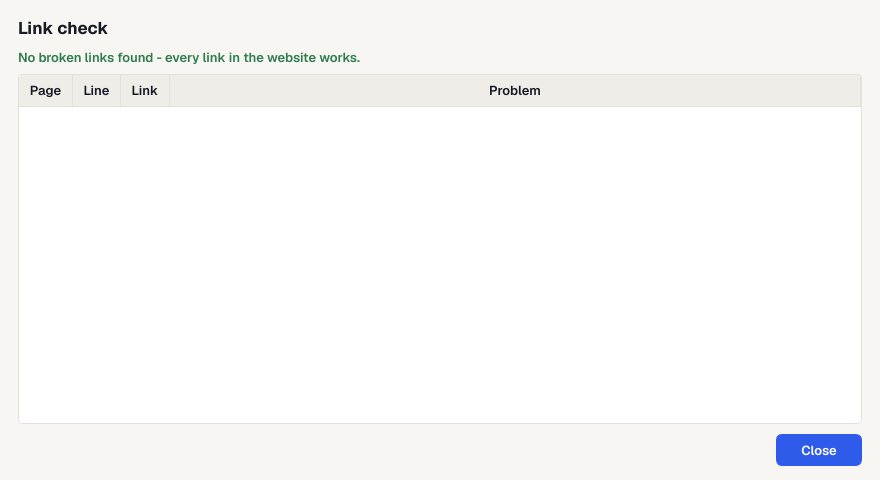
Check the whole site
Site > Check Links checks every internal link, picture, stylesheet and script before you publish.
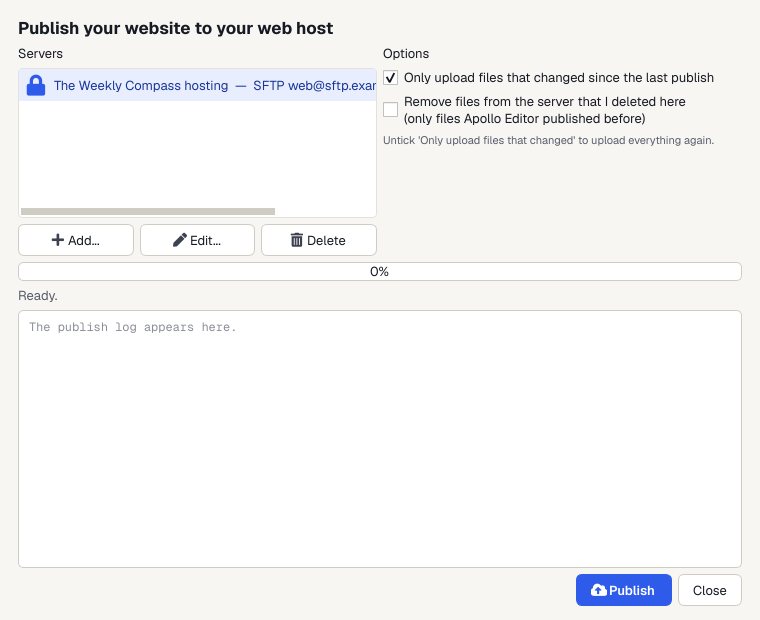
Upload only what changed
Publish by FTP, FTPS or SFTP. Apollo Editor sends only the files you changed.
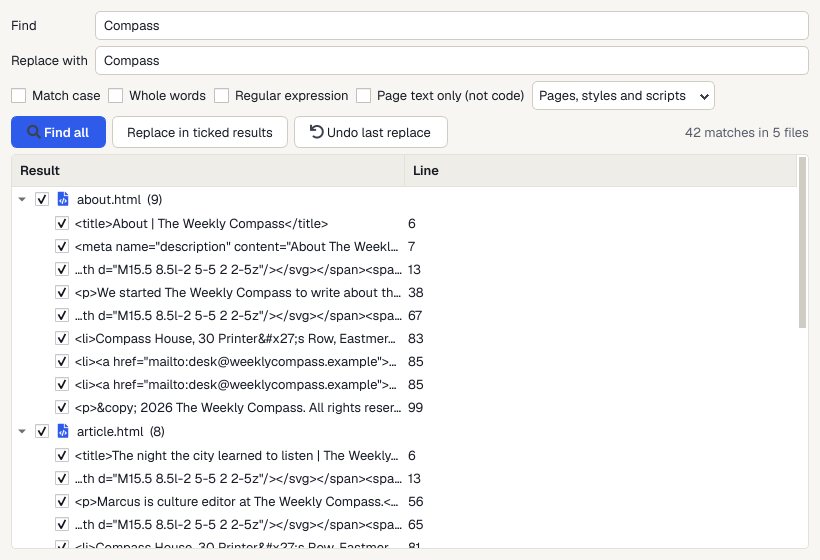
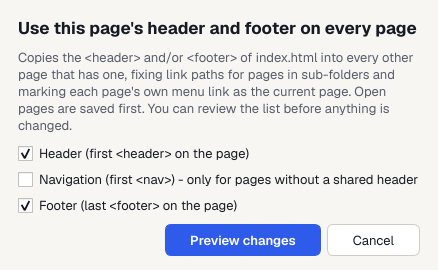
Site-wide tools for older sites
Real Apollo Editor windows.
Why it's safe on an existing site
No import, no conversion
Apollo Editor works on your files where they are. There's no project file to create.
Unknown code is kept
Elements it doesn't recognize are never silently removed.
Nothing breaks
Rename or move a page and Apollo Editor offers to fix every link to it. Site > Check Links finds the rest.
Upload only changes
Republishing sends only the files you changed, and every upload is checked.
Who it's not for: sites built on a database-driven content system, where pages are generated by the server. Apollo Editor edits HTML files.
One license. Unlimited websites.

One-time payment · instant download
- WebsitesUnlimited
- Templates30 included
- PublishingFTP, FTPS, SFTP
- Works onWindows 10 & 11
- UpdatesFree
- Activations1 PC
Get Apollo Editor
It installs and runs without a key, so you can design, edit, preview and save your whole site first. Publishing it needs an activated Installation Key.
Buy now · $79.95Already purchased? Get your download link again
Can I edit a website that's already online?
Yes, once you have its files on your PC. Download them from your host (most control panels offer a ZIP backup), then use File > Import Website ZIP or File > Open Website Folder.
Will it change or remove my code?
It keeps your existing code where it can and never silently removes elements it doesn't recognize. Scripts and embeds are kept exactly as written, and pages with server code open read-only in Design view.
Can it edit PHP pages?
In Code and Split view, yes. Pages that contain server code open read-only in Design view so nothing is changed by accident, and Preview still shows them.
Does it update old HTML to modern code?
It doesn't rewrite your pages on its own. Tools > Validate Page shows HTML and CSS problems, and anything you add in Apollo Editor is written as HTML5 and CSS.
Will uploading delete files on my server?
Not unless you ask. Remove files from the server that I deleted here only ever removes files Apollo Editor published before, never anything else on your server.
More from Apollo Editor
Open it. Edit it. Publish it.
Edit the website you already have, visually, without starting again.
Get Apollo Editor · $79.95