
Drag in a section, then just type
Apollo Editor's Sections panel holds 20 ready-made, responsive blocks. Drag one onto the page and its styles and pictures come with it. Drag photos in from File Explorer, then click on any text and type.
- Windows 10 & 11
- 20 sections
- One-time license
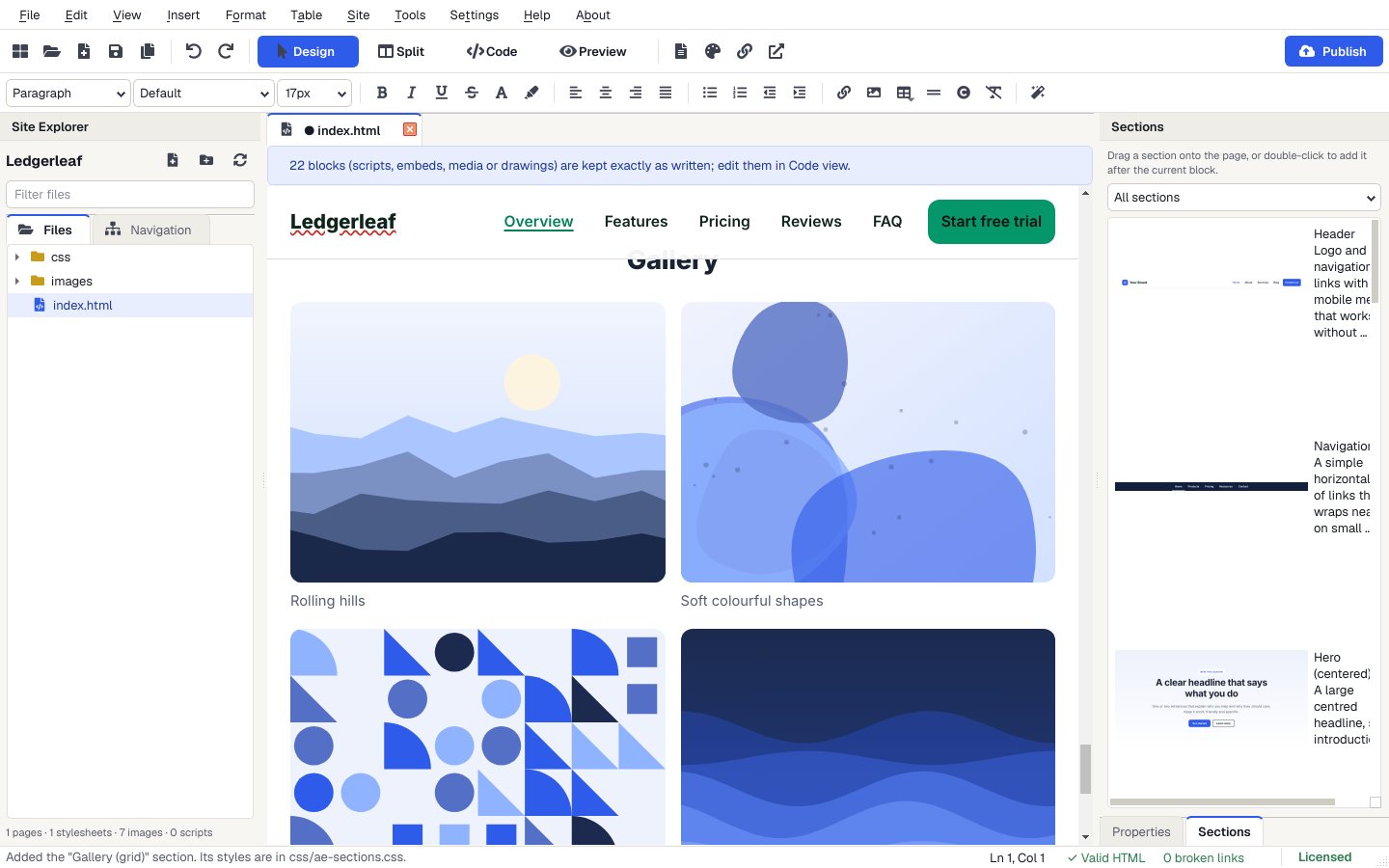
The 20 sections
In the Sections panel beside Properties, or Insert > Sections Library.
- Top of the page
- Header, navigation bar, centered hero, split hero with image.
- Content
- Feature cards, features with icons, image and text, gallery grid, stats, team.
- Selling
- Pricing table, testimonials, call to action, newsletter sign-up.
- Questions
- FAQ, accordion, tabs, contact form.
- Bottom of the page
- Footer with columns, simple footer.
Pick a template
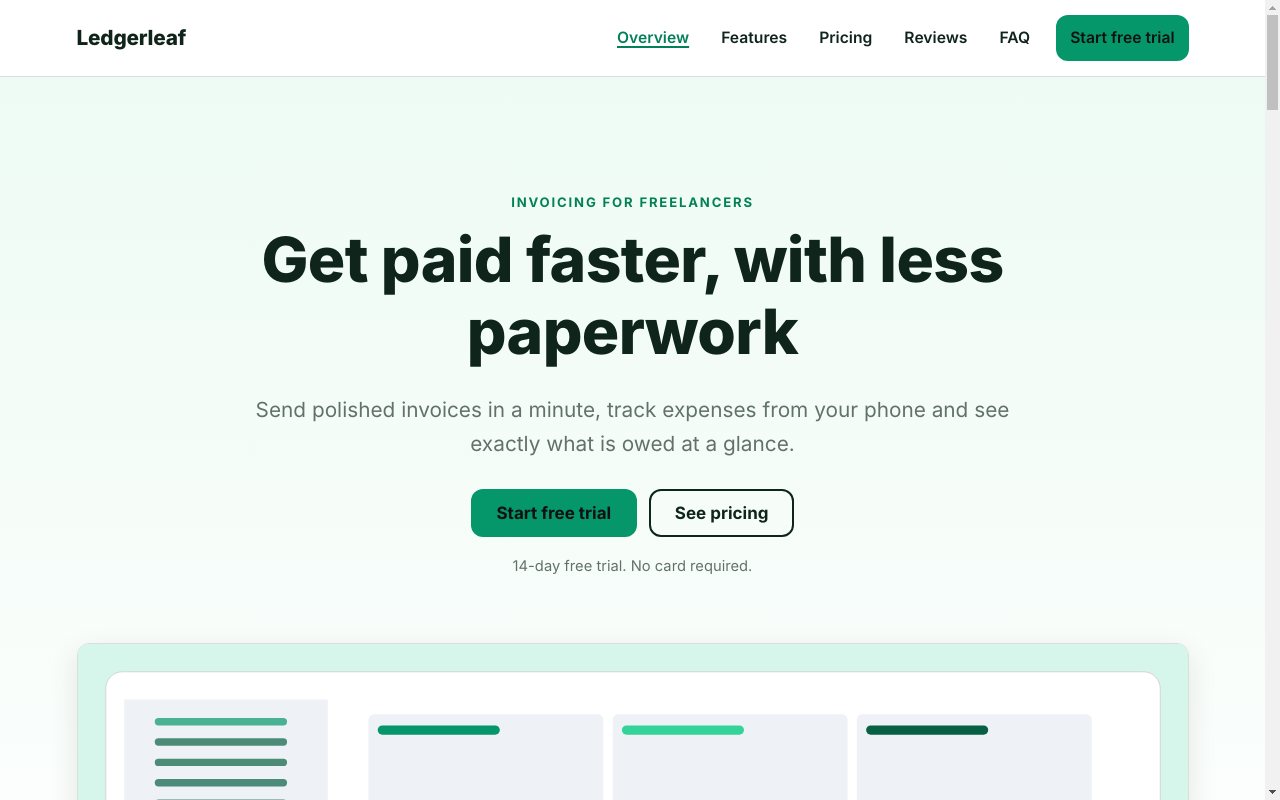
Choose File > New Website from Template and pick SaaS Landing Page, or any of the 30 designs. Or start with a blank page.
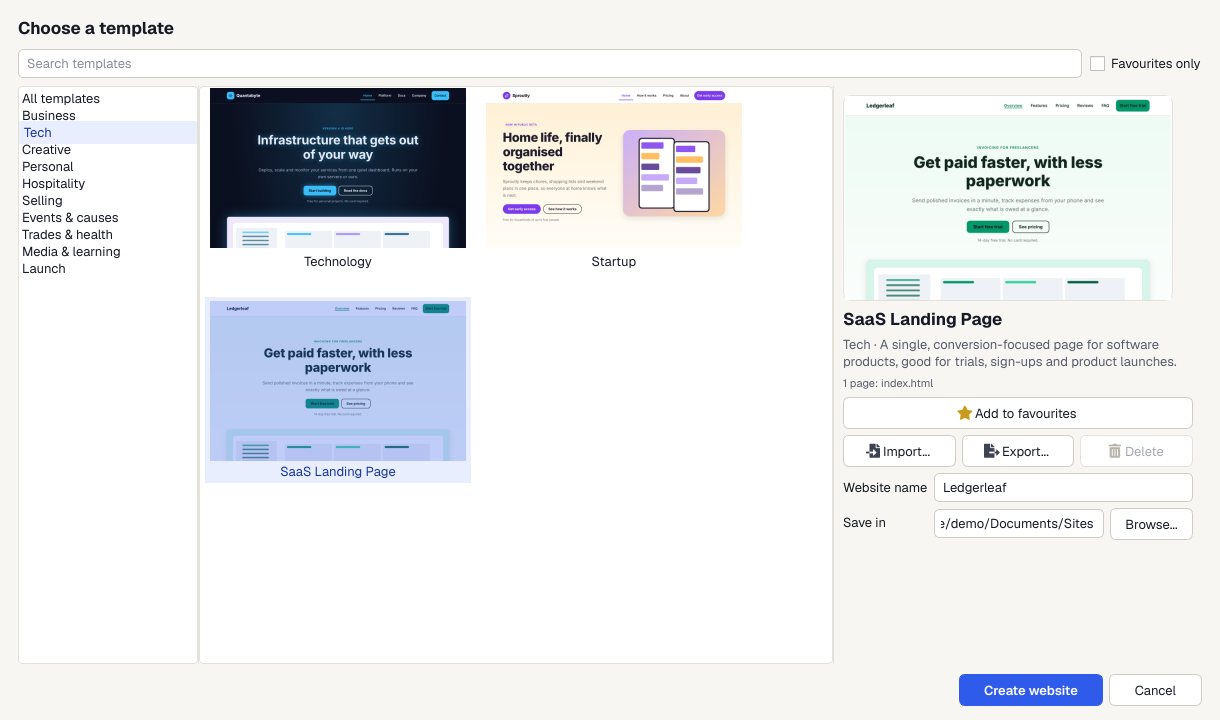
Drag in sections
Drag a section from the panel onto the page, or double-click it to add it after the current block.
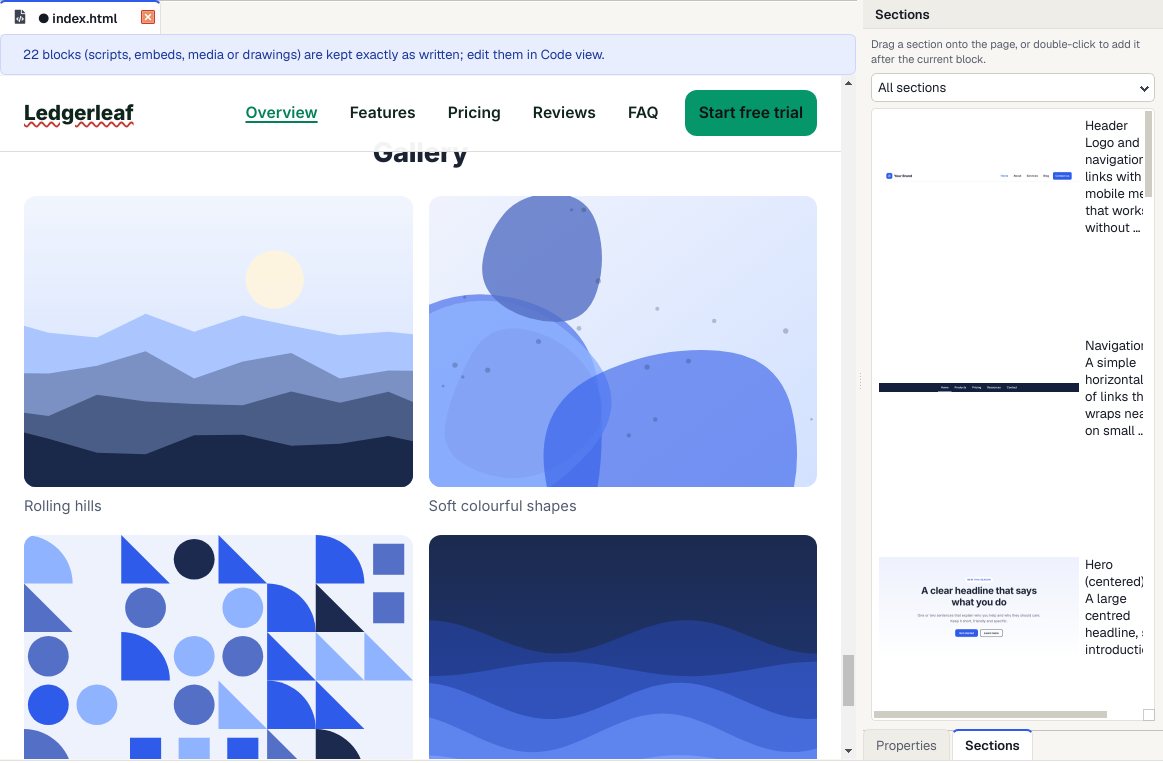
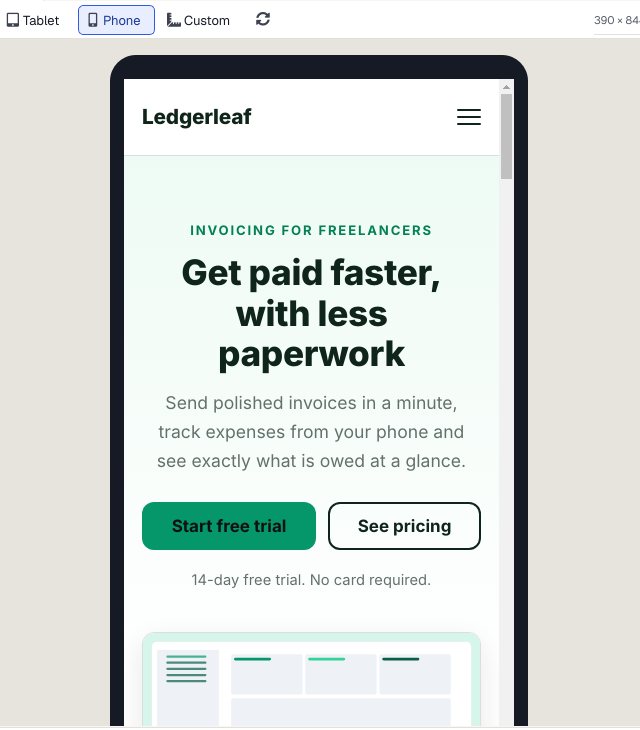
Check it on a phone
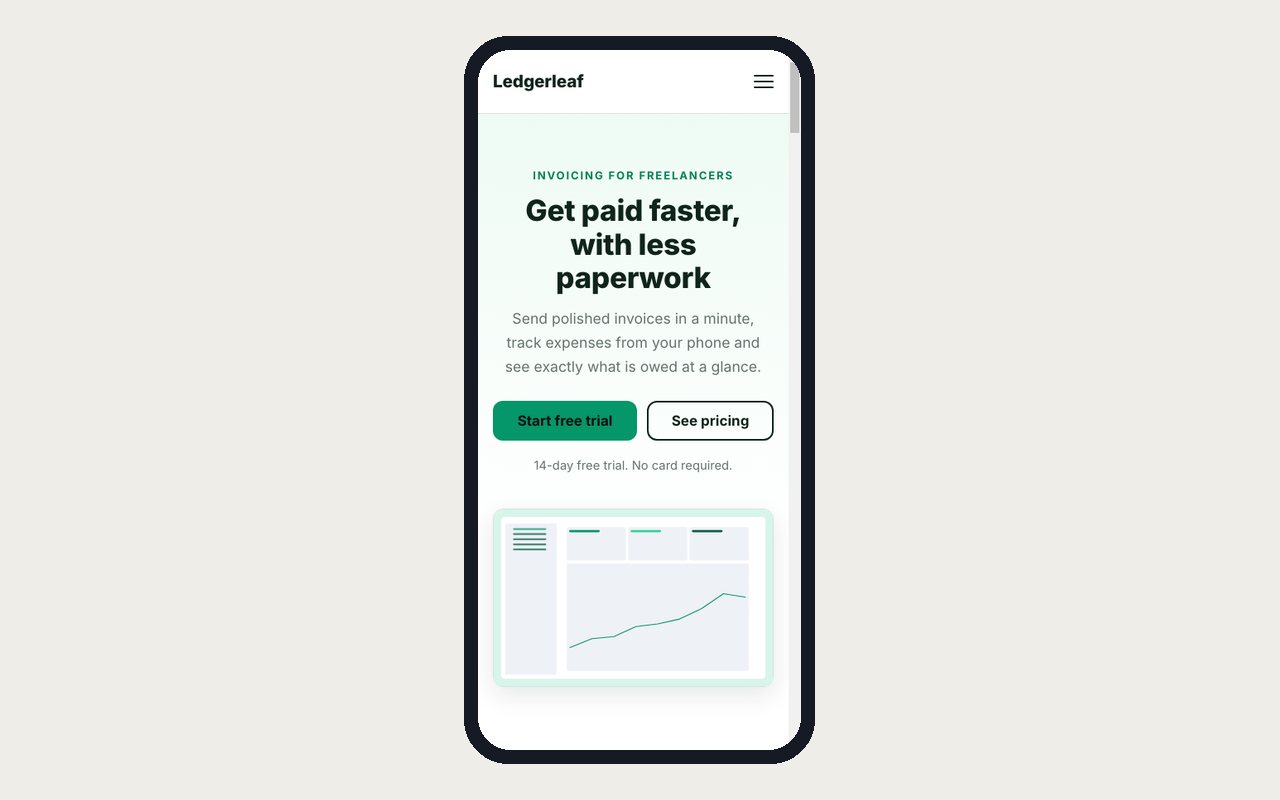
Preview shows every page at desktop, tablet and phone size, and links work so you can click through the whole site.
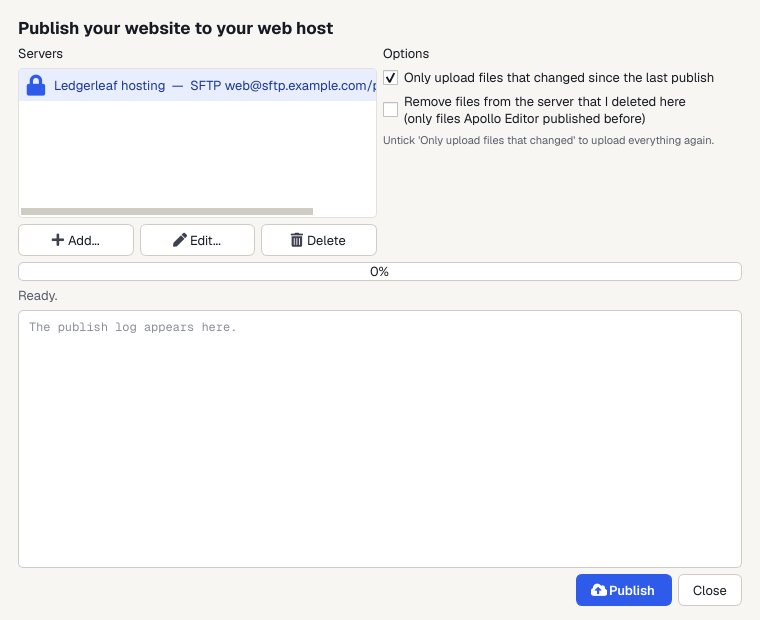
Publish
Upload to your web host by FTP, FTPS or SFTP. Next time, only the files you changed are sent.
A page made from sections
The SaaS Landing Page template, built from the same kind of blocks.
Why it's quick
20 ready-made sections
Galleries, pricing tables, testimonials, FAQs, contact forms and more. Drag one onto the page.
Pictures by drag and drop
Drag JPEG, PNG, GIF, WebP, SVG or AVIF files onto the page. Pictures from outside your site are copied into its images folder.
Styles come with it
Each section's styles and pictures are copied into your website for you.
Undo anything
Ctrl+Z undoes any change, and the last 10 saved versions of each page are kept.
Who it's not for: people who want to place boxes anywhere on the page with the mouse. Apollo Editor builds pages from blocks that stack and reflow on phones, which is how modern web pages work.
One license. Unlimited websites.

One-time payment · instant download
- WebsitesUnlimited
- Templates30 included
- PublishingFTP, FTPS, SFTP
- Works onWindows 10 & 11
- UpdatesFree
- Activations1 PC
Get Apollo Editor
It installs and runs without a key, so you can design, edit, preview and save your whole site first. Publishing it needs an activated Installation Key.
Buy now · $79.95Already purchased? Get your download link again
Can I drag things anywhere on the page?
You drag sections and pictures into the page's flow, so they stack and reflow on phones. Fine positioning is done with the CSS Style Designer's spacing, Flexbox and Grid settings.
Which sections are included?
Header, navigation bar, two heroes, gallery, feature cards, pricing table, testimonials, accordion, tabs, FAQ, contact form, two footers, call to action, features with icons, team, stats, image and text, and newsletter sign-up.
Can I save my own blocks?
You can save a whole page as a template with Tools > Save Page as Template, and copy a page's layout with File > New Page.
Will it look right on phones?
The templates and sections are responsive, and Preview shows every page at desktop, tablet, phone or a custom size before you publish.
Do I need to know HTML?
No. In Design view you click on the page and type, and Apollo Editor writes the HTML. Split and Code views are there if you want to see or change the code.
More from Apollo Editor
Drag it in. Type over it.
20 ready-made sections and 30 templates, all responsive.
Get Apollo Editor · $79.95